Contact support with the right information
Choose a ticket or chat and provide enough detail to reproduce and track the issue.
Applies toFor presales, purchased services and delivery. Confirm AI responses against the actual product and account state.
On this page
Before you start
- Have the product, subscription or order reference and desired outcome ready.
- Redact passwords, tokens, payment details and customer data from screenshots and logs.
Follow these steps
- Signed-in customers can use Support in the customer centre: tickets for tracked work and live chat for immediate discussion.
- Describe expected and actual behaviour, time, affected scope and reproduction steps. Attach only redacted diagnostics.
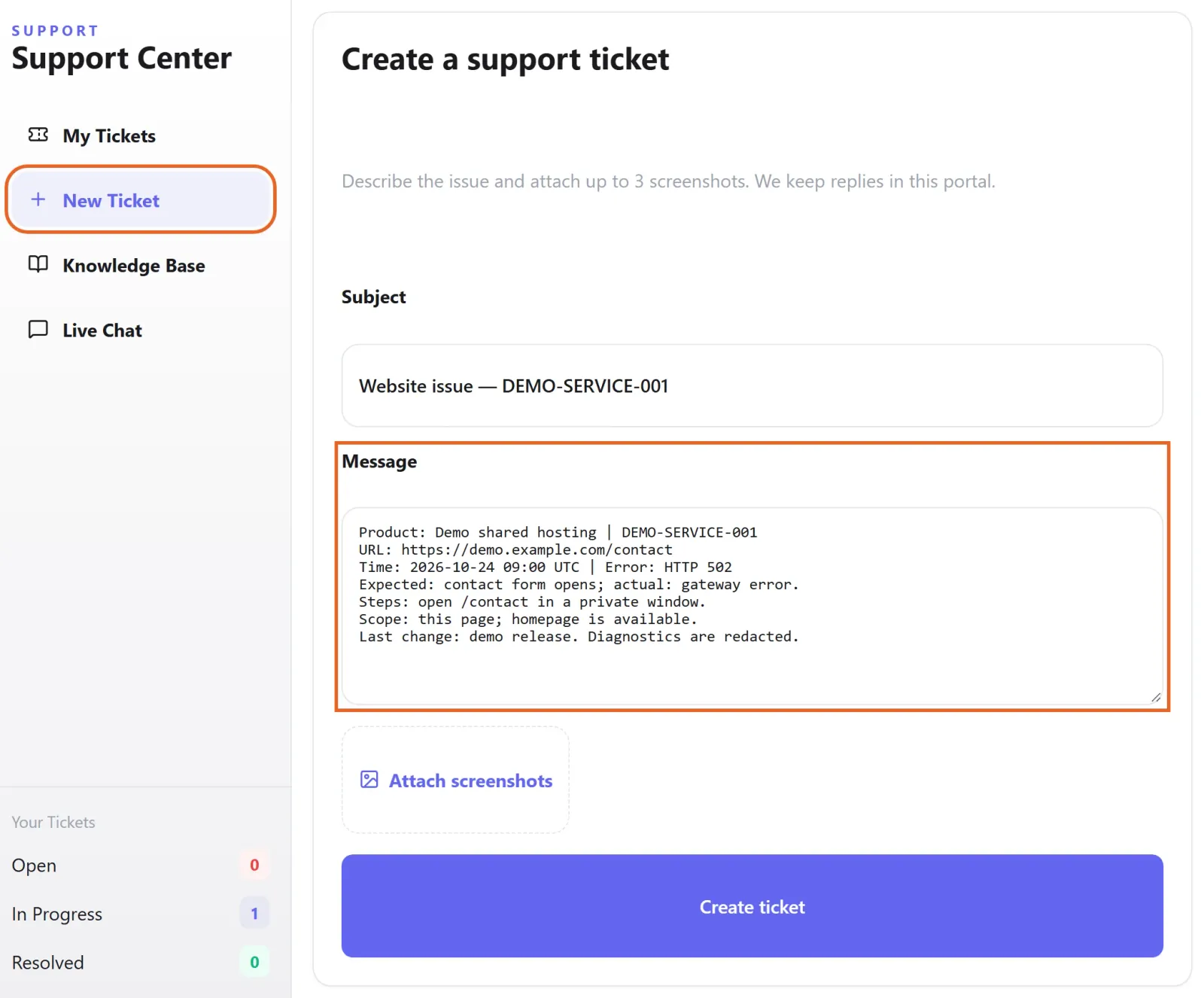
Figure 1: In Support → New Ticket, describe the expected and actual result, timestamp, affected scope and reproduction steps. Example unsent draft with fictional demo data; attach only redacted diagnostics. View full-size image - Use website support for initial questions or to submit an issue. Account access or changes may require identity verification.
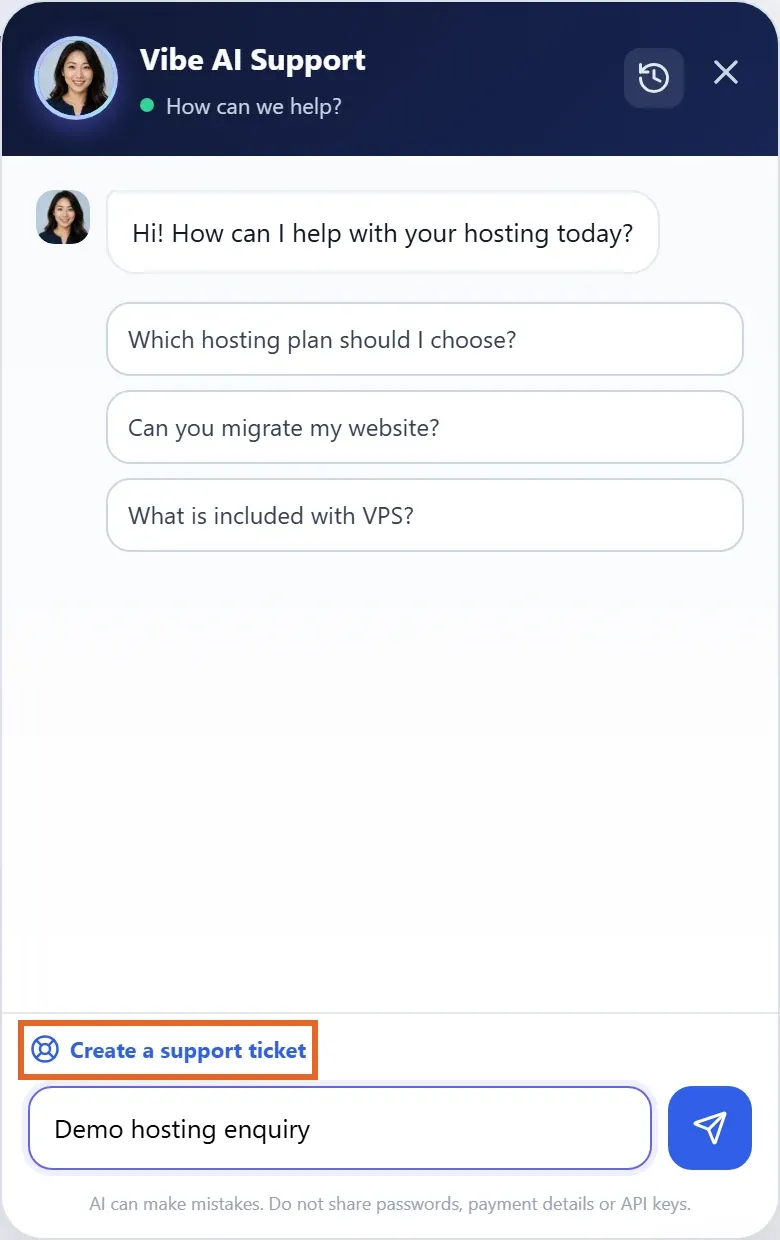
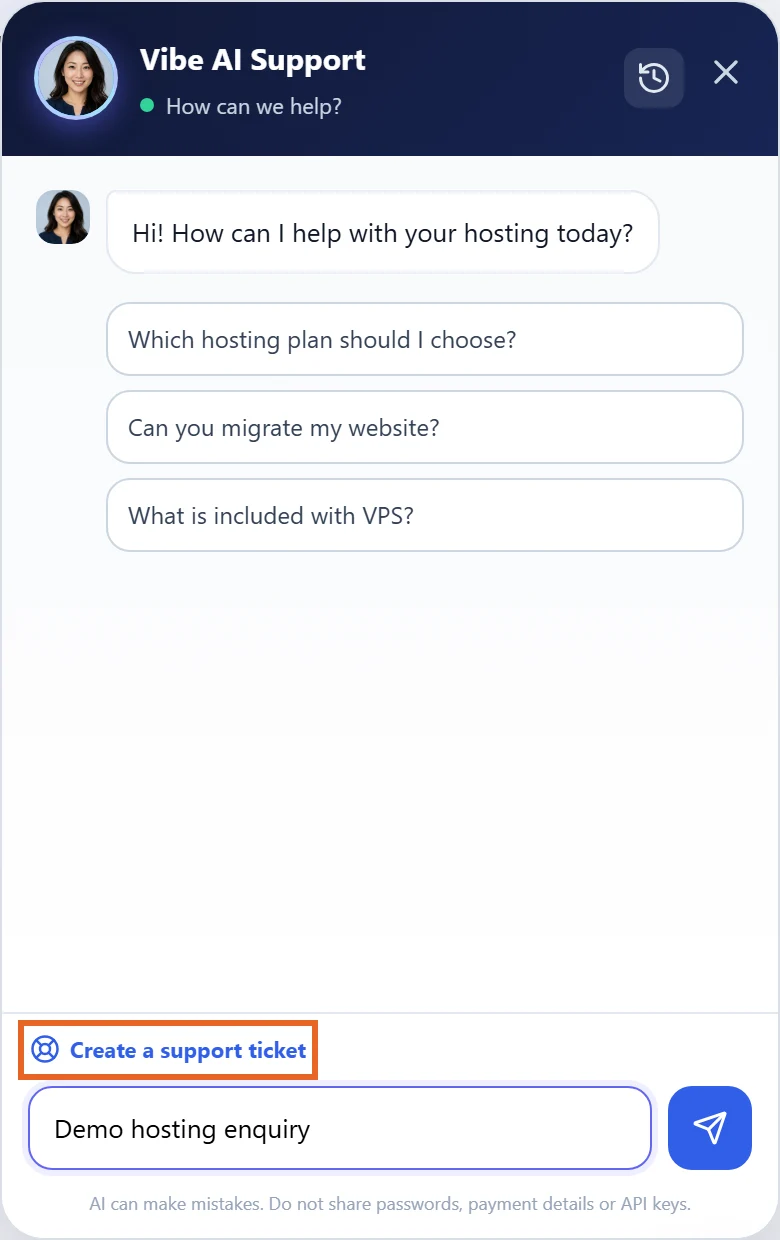
Figure 2: Open the website support widget for initial questions or use Create a support ticket to reach support. Demo session and unsent question shown; confirm AI advice against your actual service. View full-size image - Submit a ticket for backup and migration; staff usually resolve these requests within about 10 minutes. You can also request data recovery through a ticket. Contact customer service about custom websites, product features, application customisation or third-party software.
Check the result
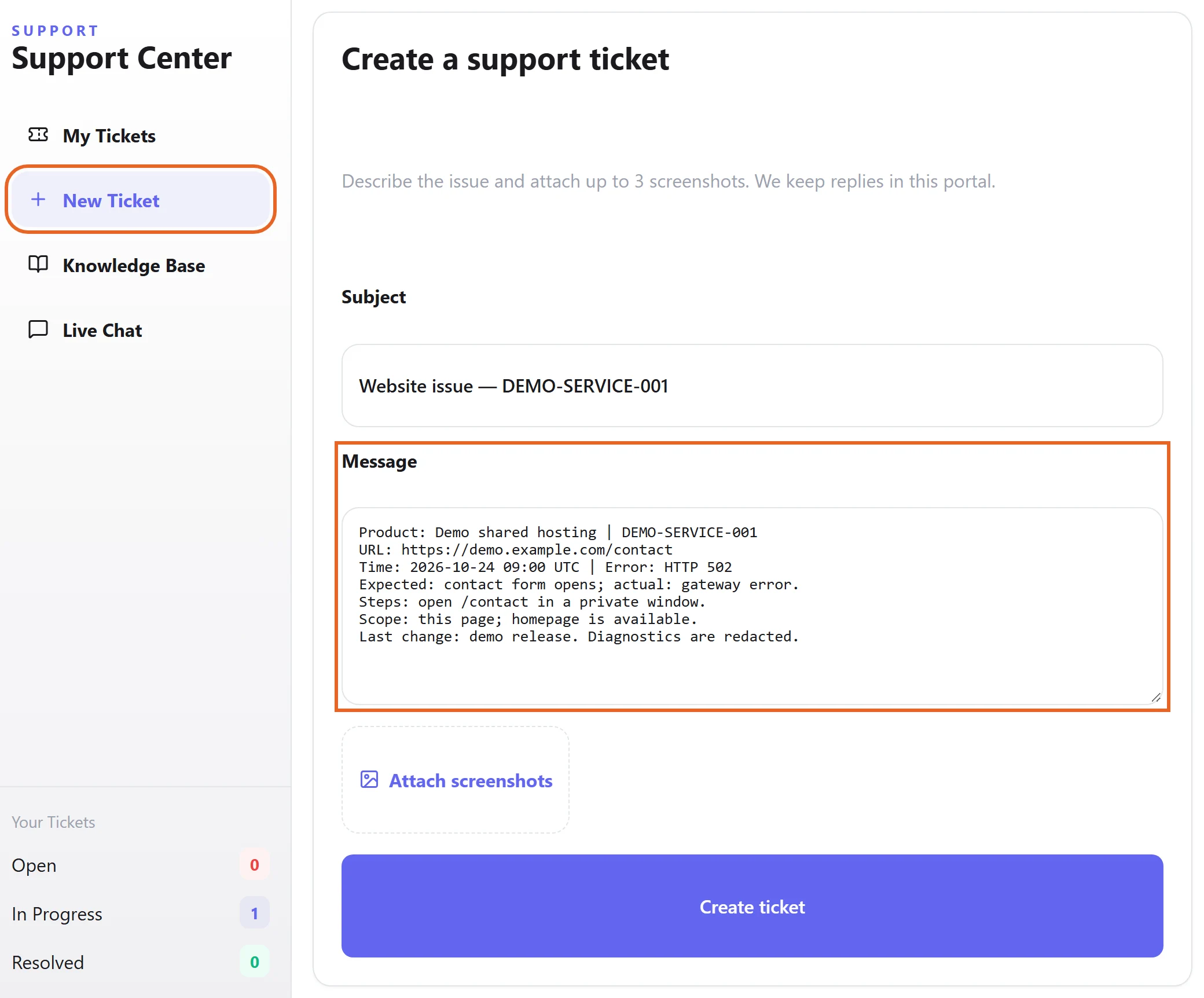
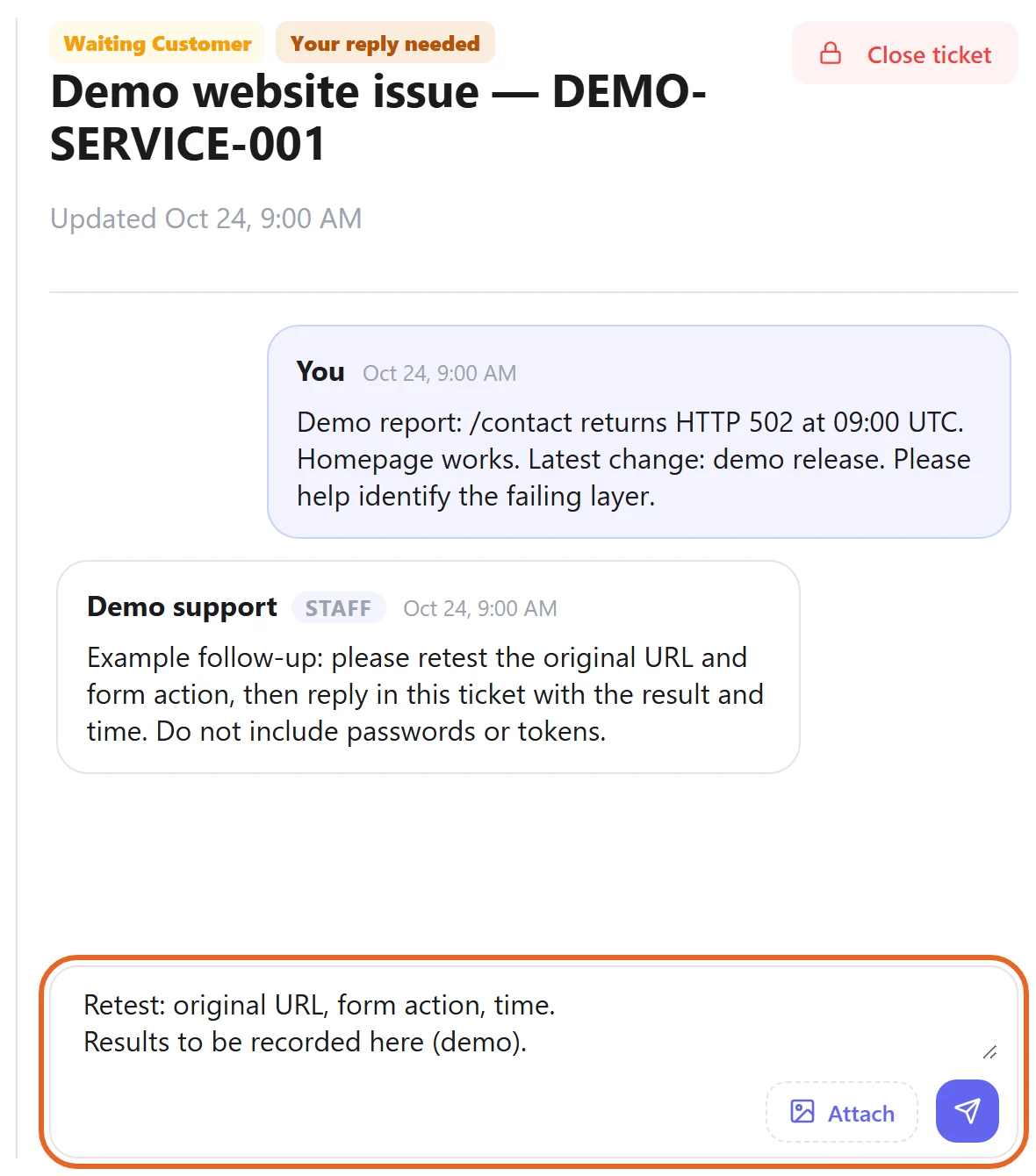
- Confirm ticket creation and retain its reference. Add replies to that record rather than leaving information only in an unsent form.
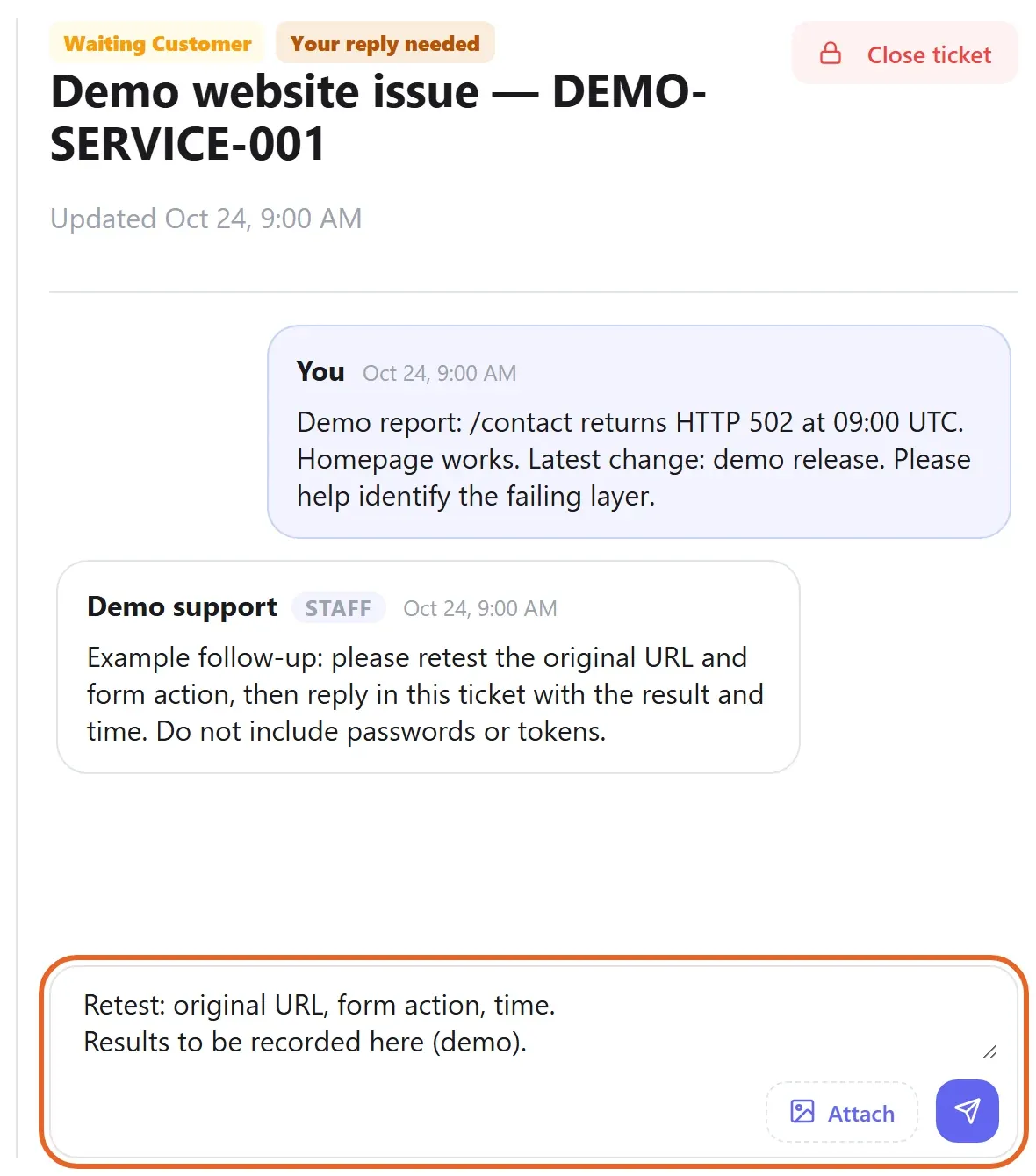
Figure 3: Keep the ticket reference and add test results to the original conversation. Fictional example ticket and unsent reply shown; an unsent draft is not a submitted update. View full-size image
If something goes wrong
- If you cannot sign in, use account recovery or website support with your registration email and error, not your password.
- Escalate unresolved or conflicting AI advice and business changes to technical support instead of repeating unsuitable instructions.