Create and review a website with AI Builder
Start with clear business requirements and review pages and interactions before publishing.
Applies toFor AI Builder projects. Review generated claims against your actual business.
On this page
Before you start
- Prepare the business name, services, contact details, audience and authorised assets.
- List pages and primary actions such as enquiries. Do not ask the generator to invent prices, credentials or testimonials.
Follow these steps
- Sign in, create or select a project and describe the pages, languages, style and facts to preserve.
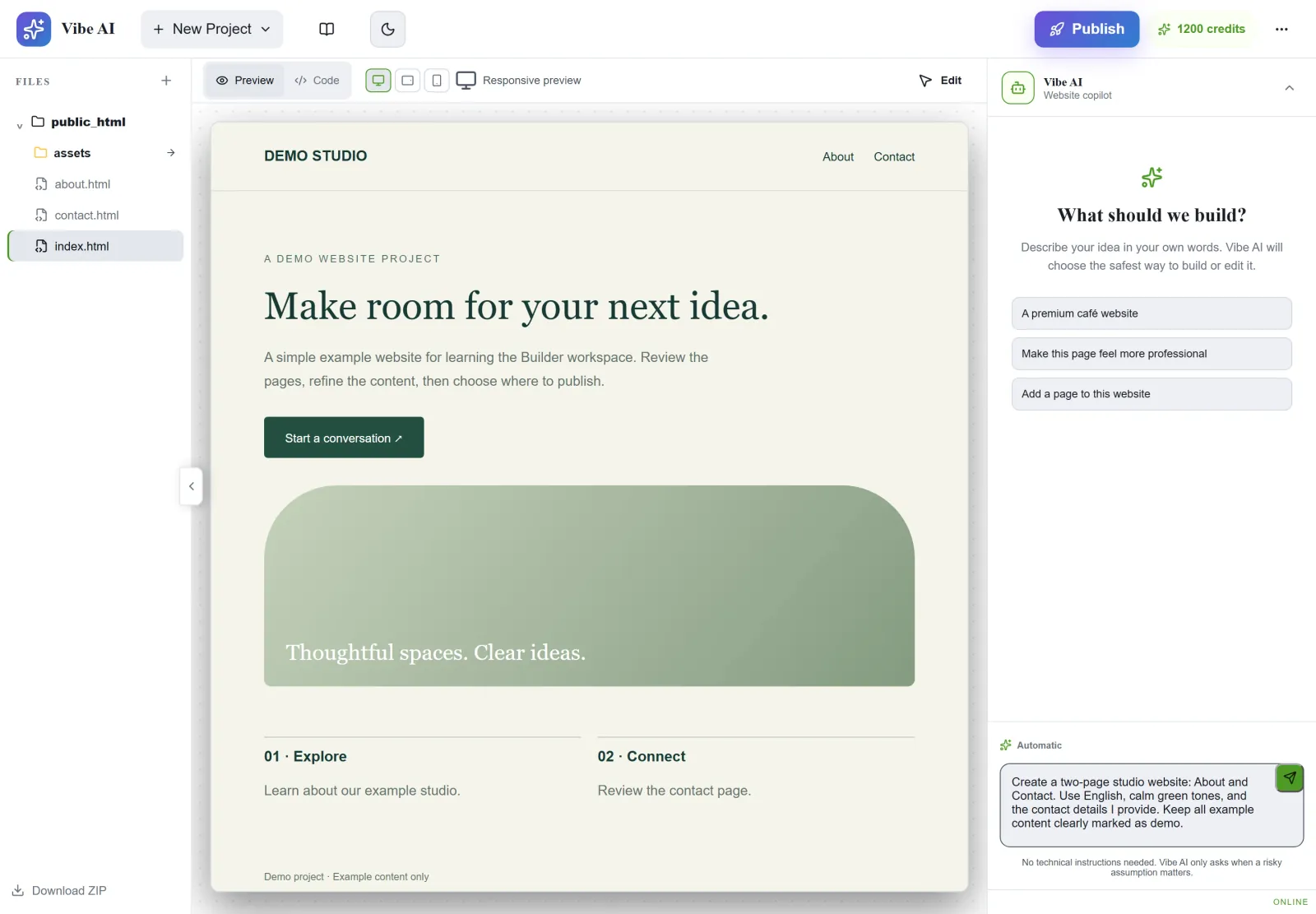
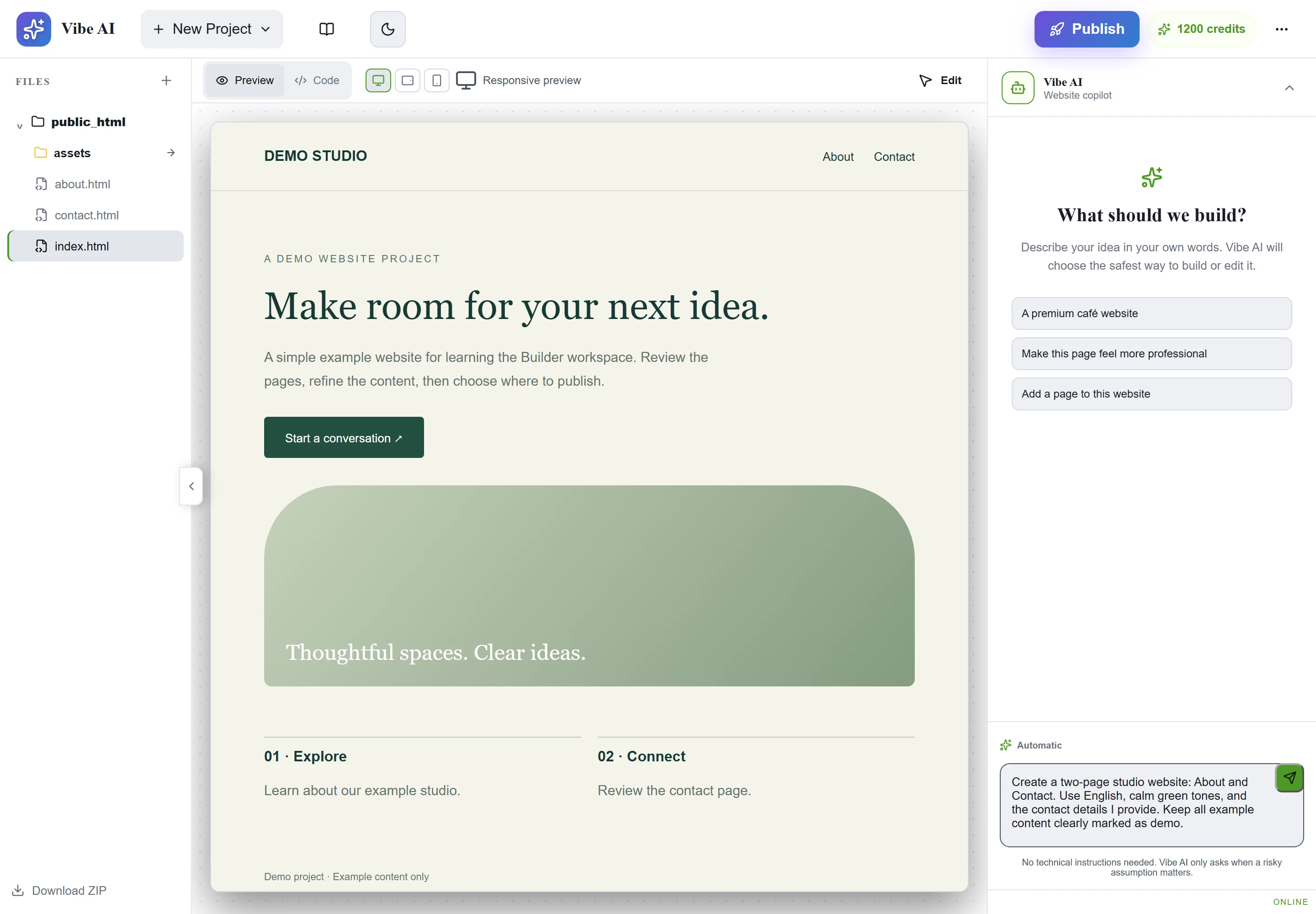
Figure 1: Use New Project or select a project, then describe the pages, style and facts to preserve in AI chat. Demo project and unsent prompt shown; no generation task started. View full-size image - Preview each page, edit content and layout, and confirm saving before changing projects.
- Check desktop and mobile previews, navigation, buttons and forms. A visible form is not proof of a working delivery service.
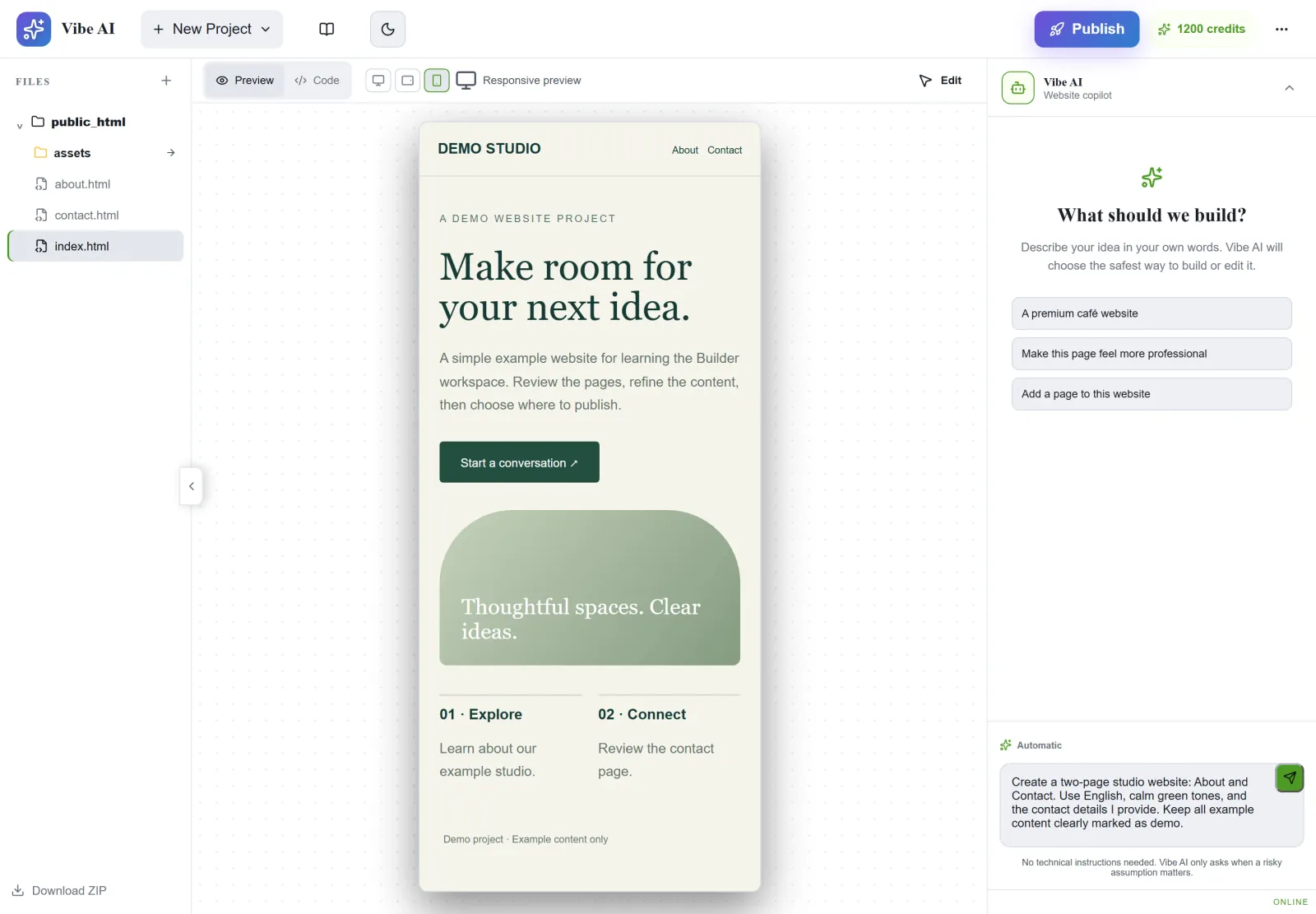
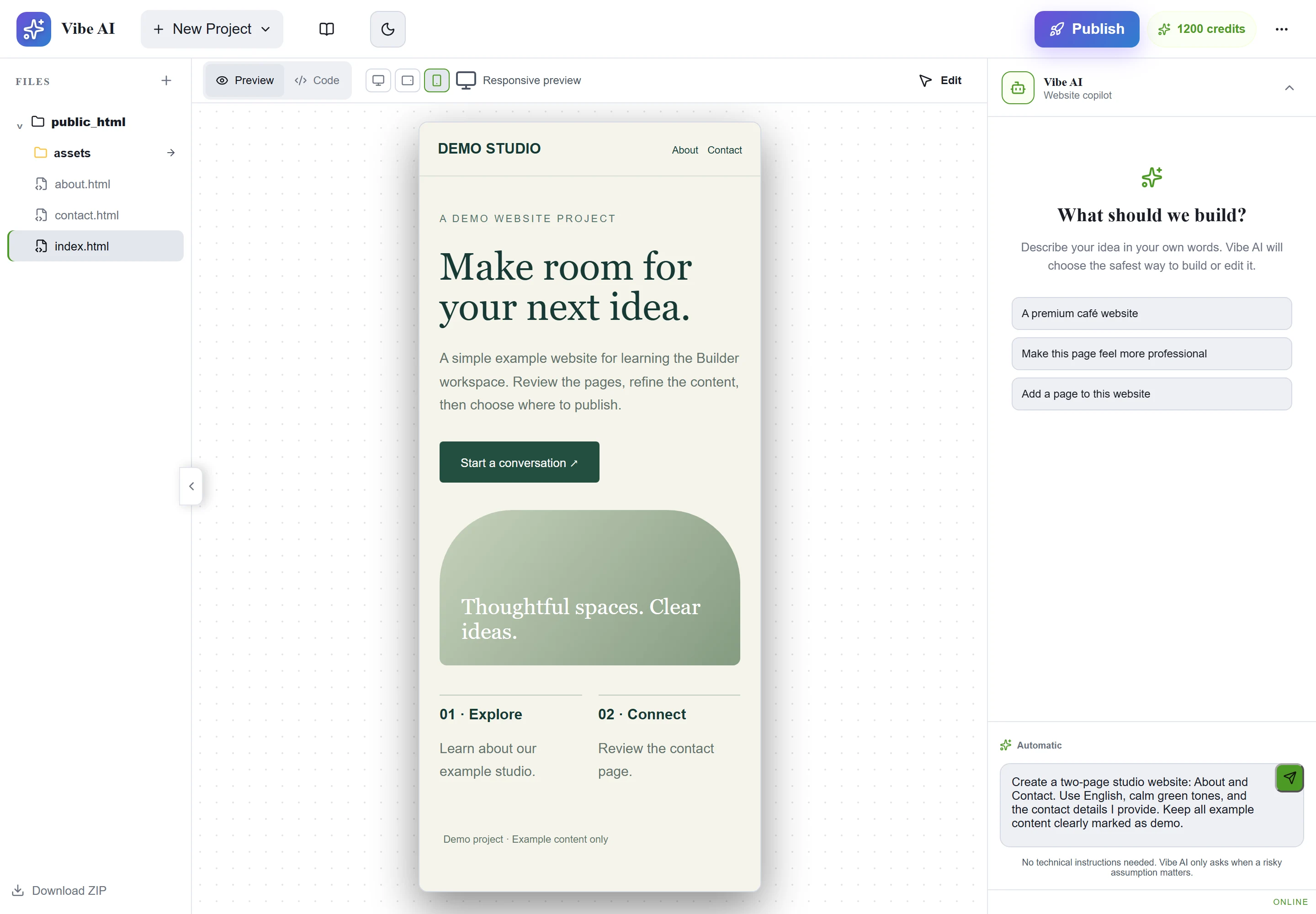
Figure 2: Switch the preview device and inspect the page on a narrow screen. Check the other pages, navigation and real form delivery separately. Demo website shown. View full-size image
Check the result
- Key pages should be reachable, contact details accurate and buttons purposeful. Test real interactions before choosing a publishing destination.
If something goes wrong
- For revisions, identify the exact page and desired result rather than repeatedly regenerating the whole site.
- For credit, save or task errors, retain the project, time and task state. Never include database passwords or API secrets in prompts.