Export website source and plan future updates
Download the project, verify its files and choose one source for future changes.
Applies toFor Builder exports. Website files do not include an external database or ownership of third-party service accounts.
On this page
Before you start
- Save the project and identify the pages and publish directory to export.
- List dependencies such as forms, maps, payments and analytics and who maintains them.
Follow these steps
- Download the project ZIP and inspect pages, images and referenced paths after extraction.
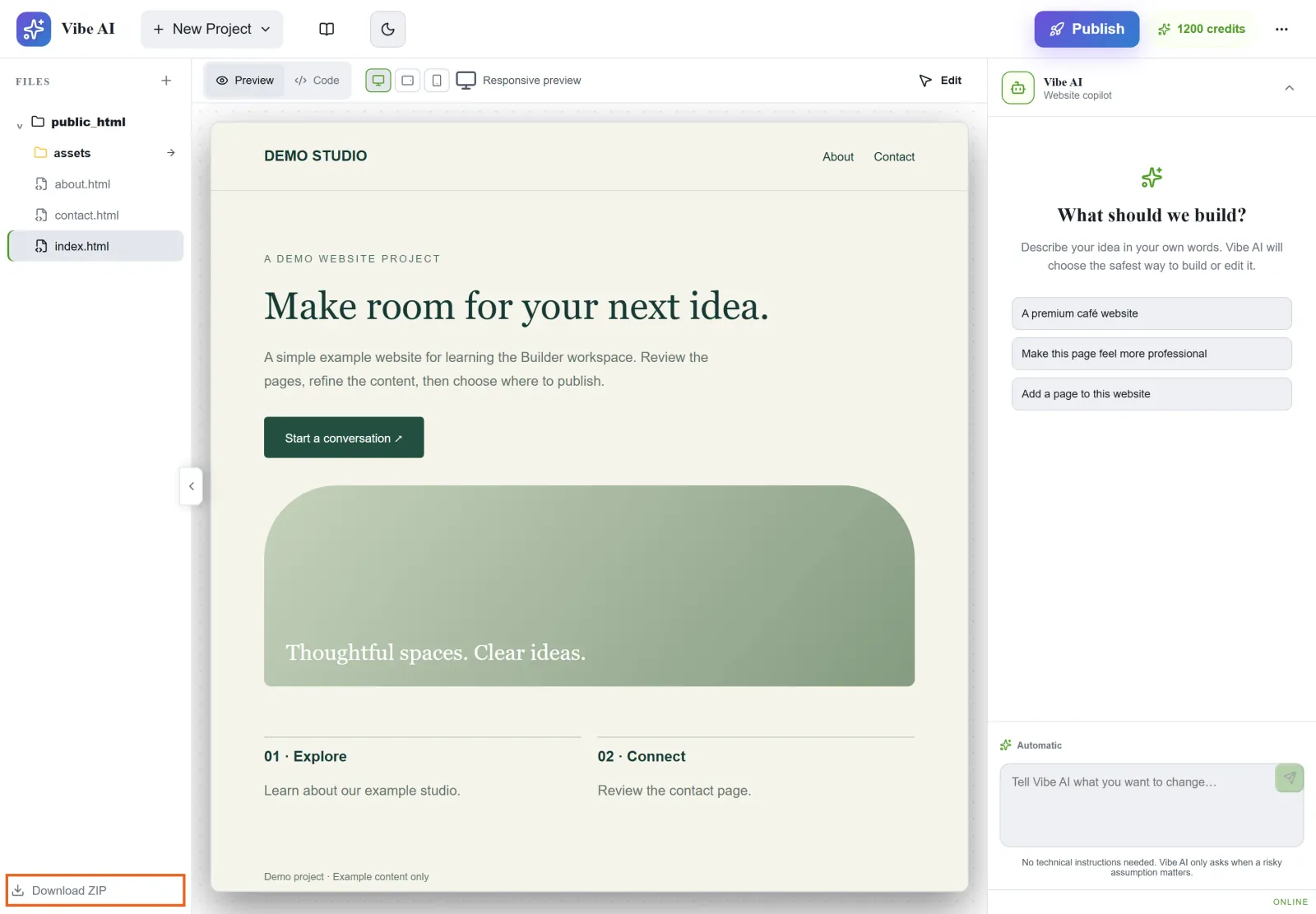
Figure 1: Use Download ZIP to export the project source. Note the page files and assets in the project tree. Demo project shown. View full-size image - Preview locally or on a test site and verify external functions separately.
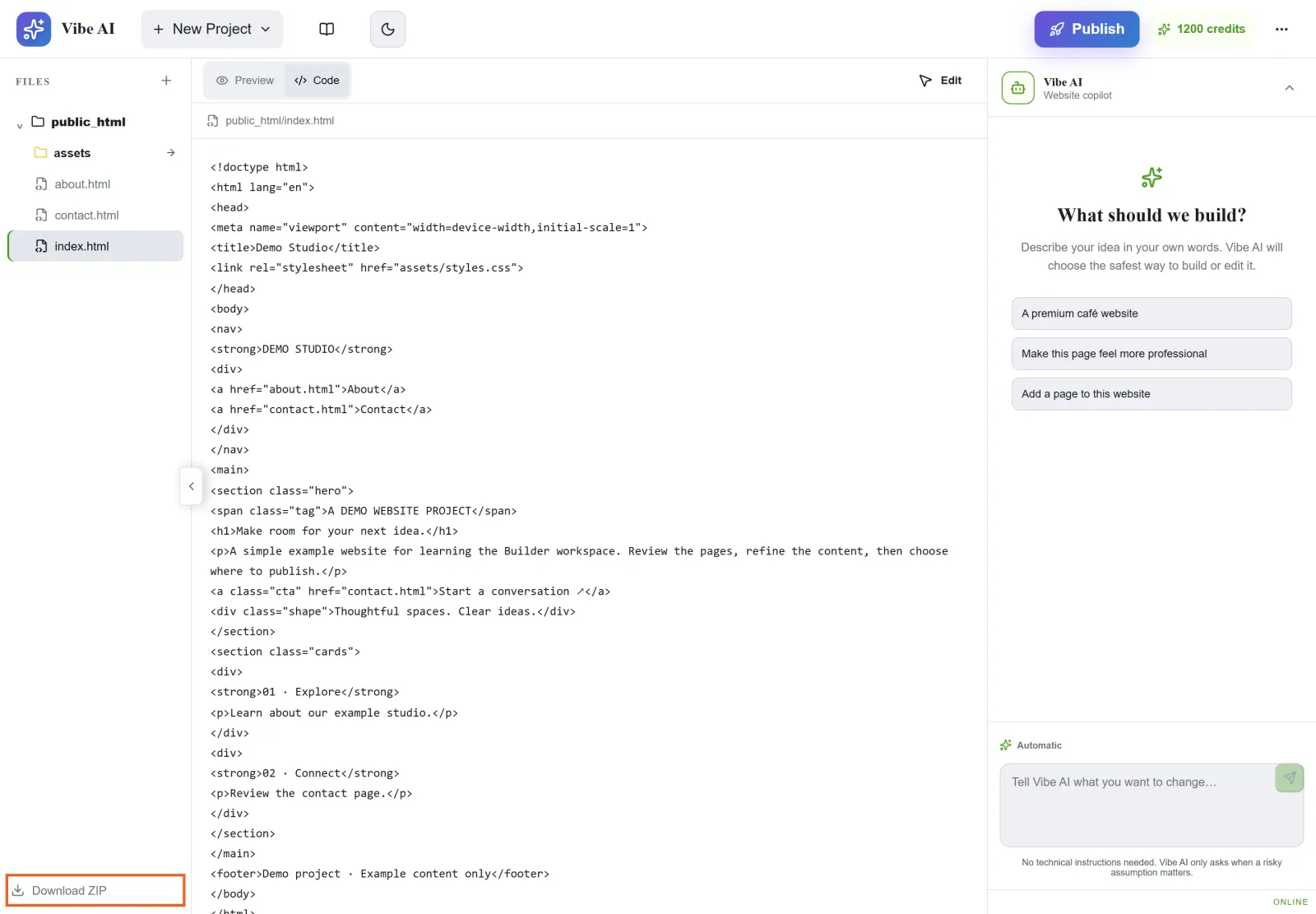
Figure 2: Code view helps inspect page markup and relative asset paths. After extraction, also test the exported site and external integrations. This is illustrative demo source. View full-size image - Choose either the Builder project or an independent repository as the source for future edits. Retain release versions so alternating sources do not overwrite newer changes.
Check the result
- Test the site and key integrations on the target host, including assets and domain configuration.
If something goes wrong
- For missing assets, check export scope, relative paths and filename case. Do not hide missing files by editing only the visible text.
- Identify the live version before editing again. Keep a local backup before publishing or cleanup rather than assuming indefinite project recovery.