Publish from Builder to Free Page, your hosting or FTP
Choose the intended destination and verify its public URL and replacement scope.
Applies toFor the Builder publish dialog. Free Page, paid hosting and external FTP are different destinations; use the options available to your account.
On this page
Before you start
- Save and review project pages. Identify the current website and back up anything the release will replace.
- The dialog shows the current free-publication allowance and availability. It is not the same as a paid hosting package.
Follow these steps
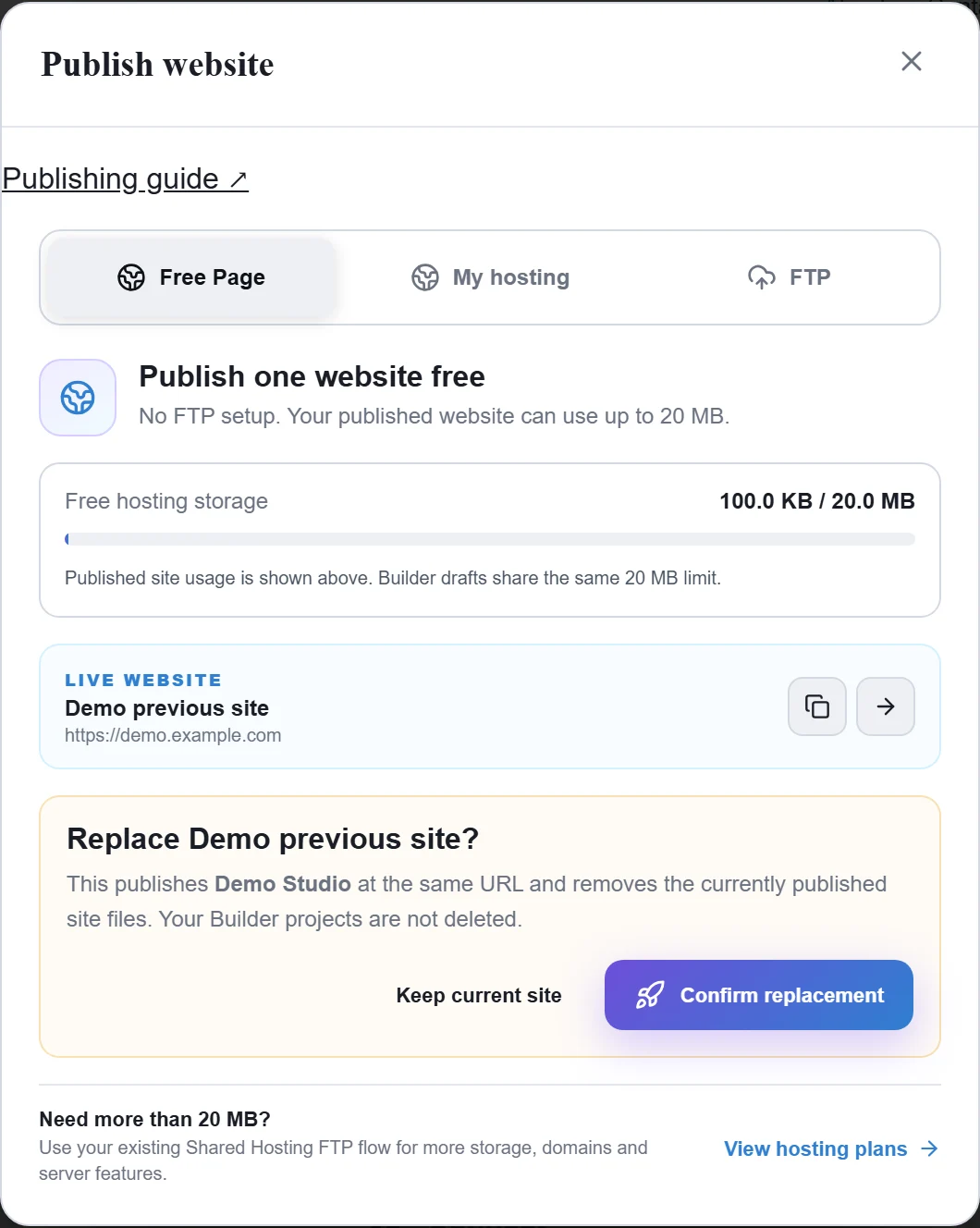
- Open Publish. For Free Page, check the live project and replacement warning before updating the content at that address.
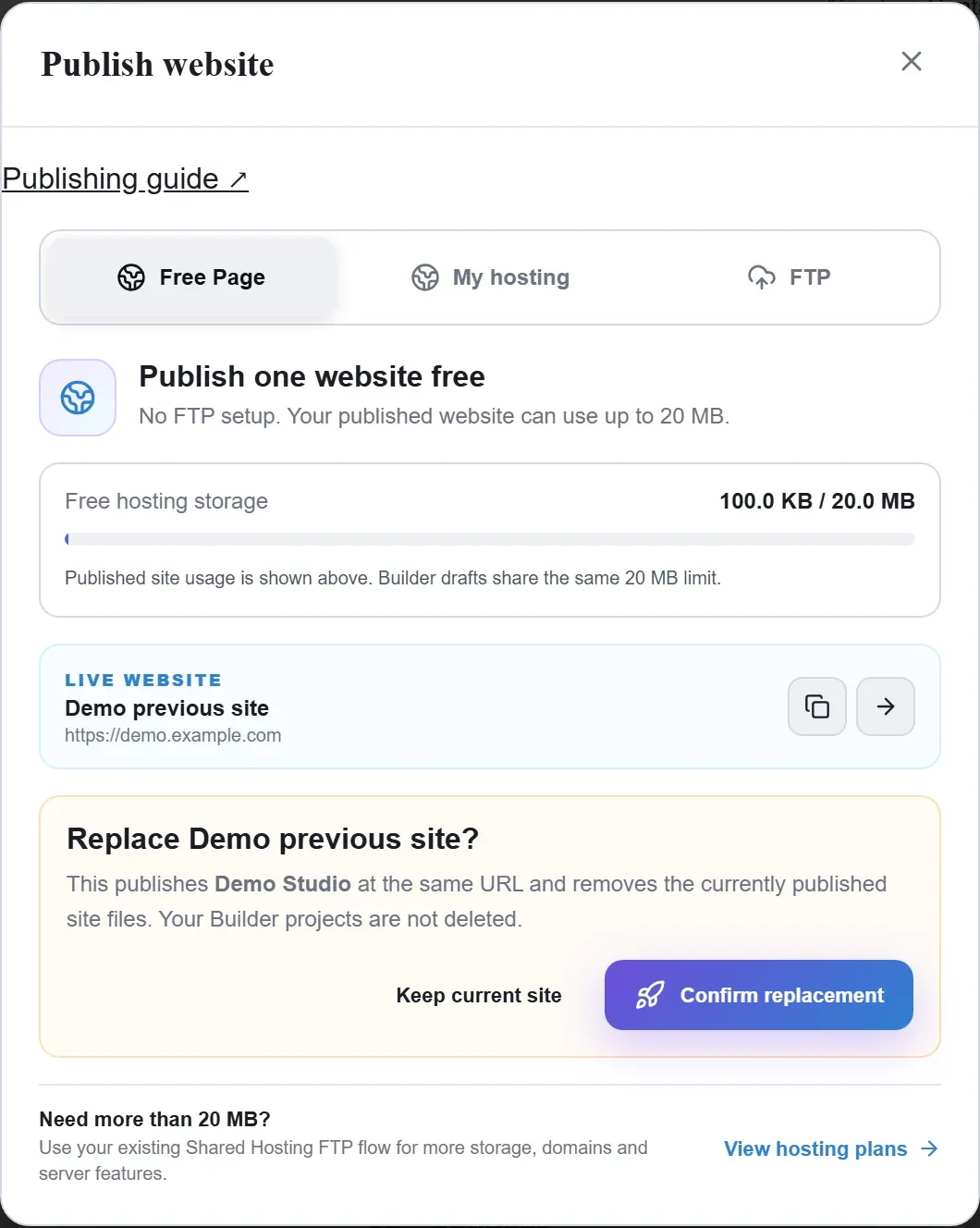
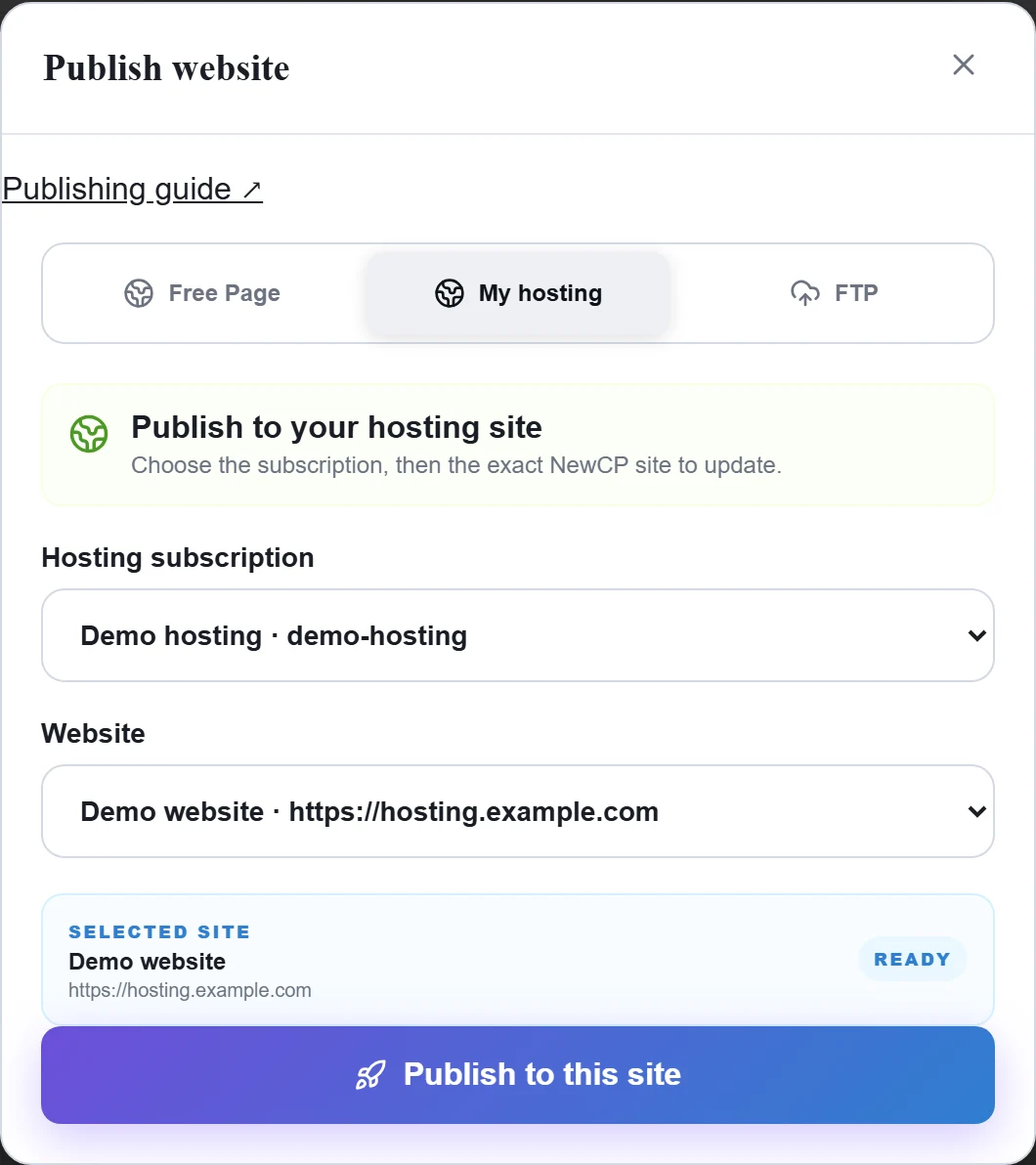
Figure 1: Free Page shows the current published site, allowance and replacement warning. Review the destination before confirming. Demo data; replacement was not submitted. View full-size image - For My hosting, choose a subscription and then the exact NewCP site. Confirm its name before publishing.
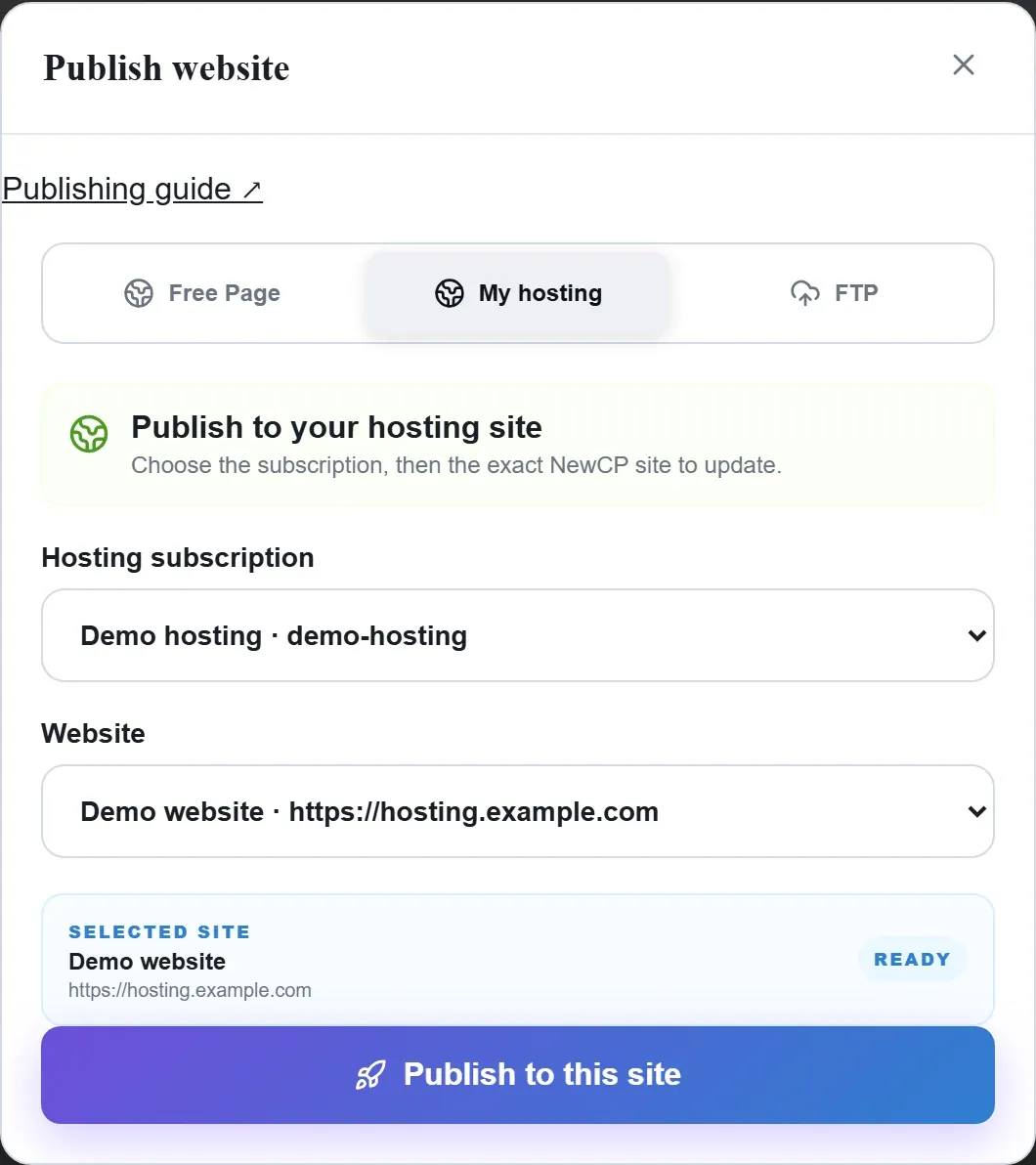
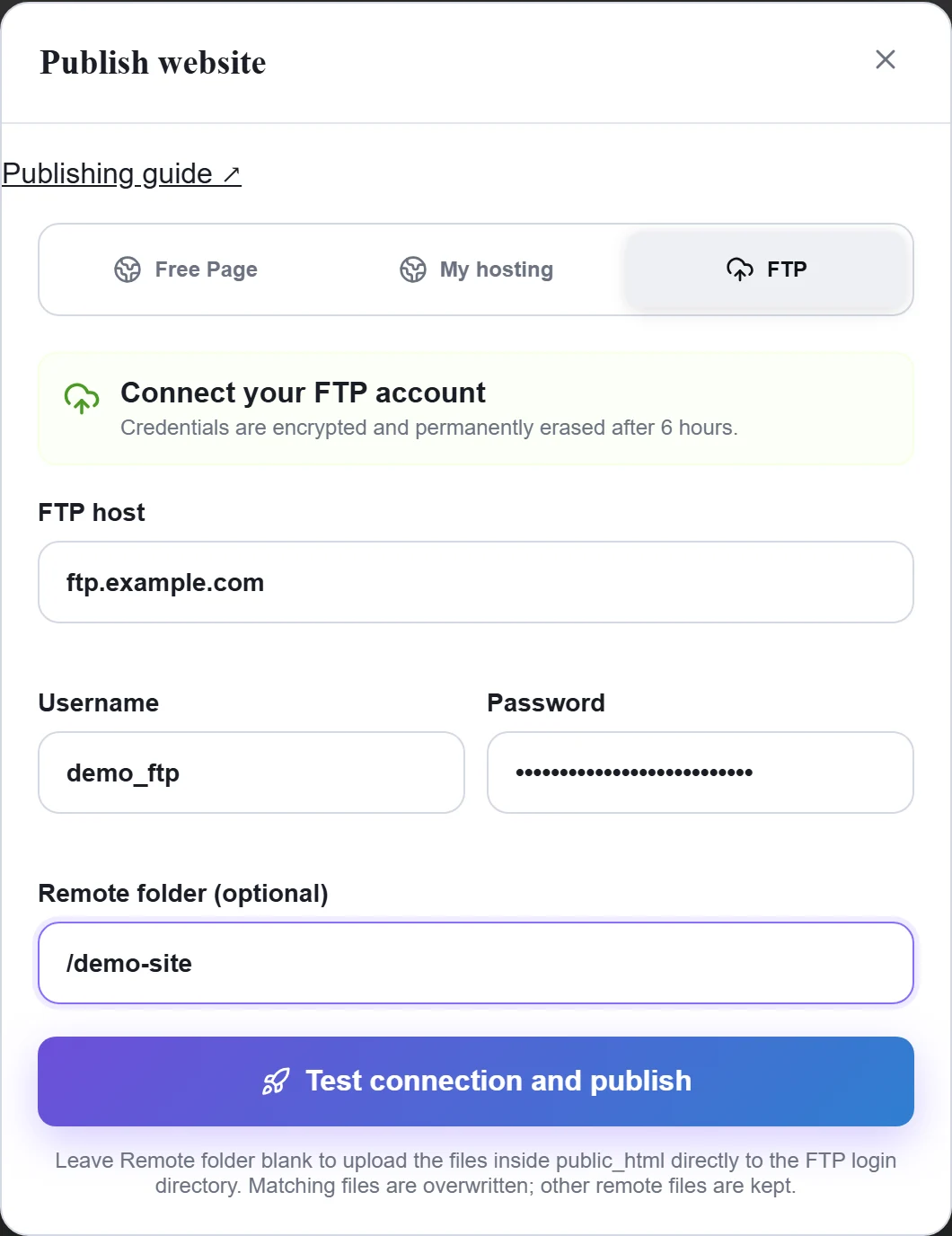
Figure 2: In My hosting, choose the subscription and then the exact website. Confirm the selected site and address. Demo subscription and website; nothing published. View full-size image - For FTP, use the actual host, port, directory and credentials and test the connection first. The current flow offers FTP; do not assume SFTP or FTPS support.
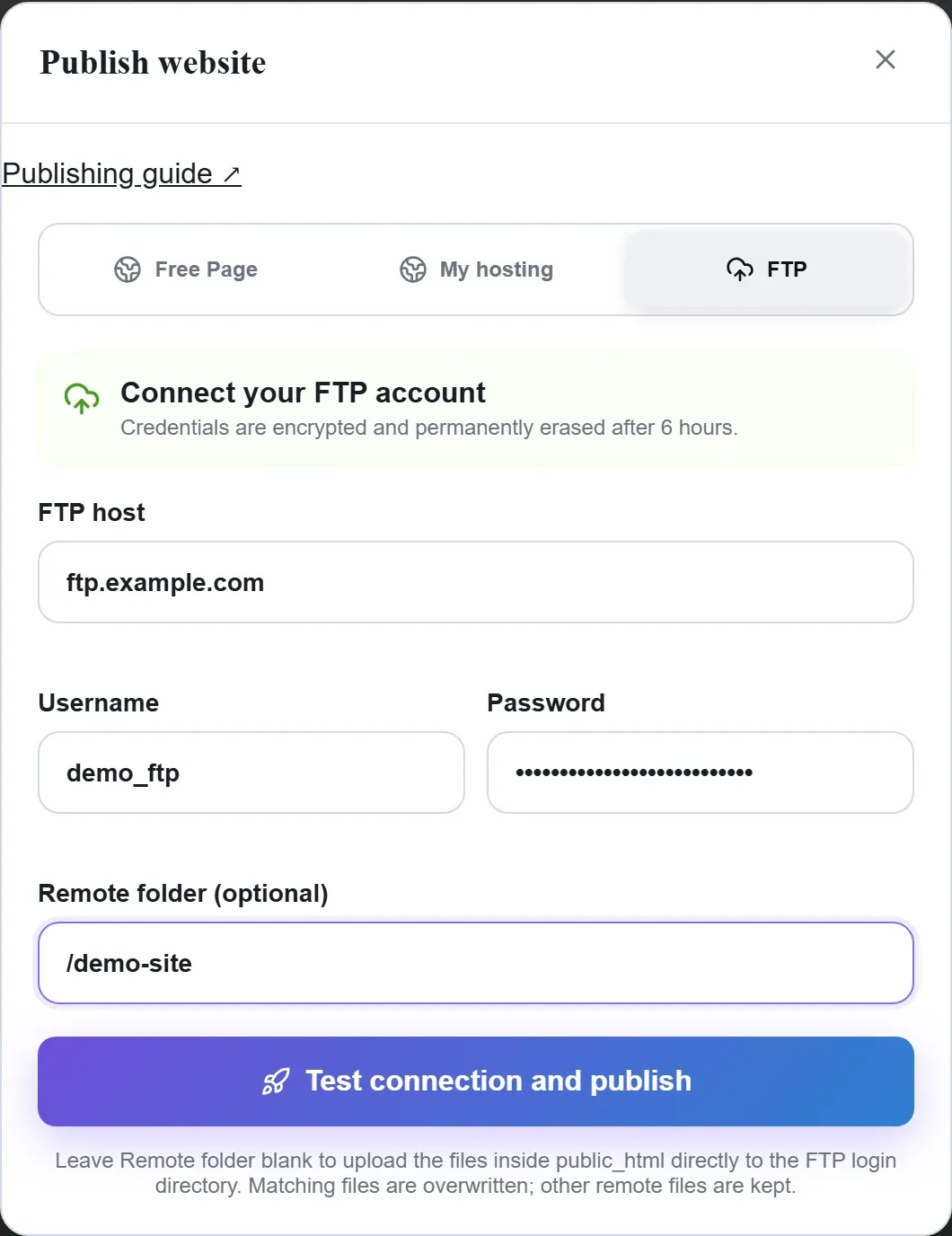
Figure 3: Enter the real FTP connection details and intended remote folder. The shown host, account and password are fictional demo values; no connection or publication performed. View full-size image
Check the result
- Wait for completion and open the returned public address. Test images, internal links and forms rather than relying on the preview alone.
If something goes wrong
- If a paid website is missing, check the purchasing account, selected subscription and provisioning status. If an active subscription has no website, contact customer service or open a ticket to check provisioning.
- For FTP errors, retain redacted connection details. Keep exported source and assets as a separate backup instead of relying only on the Builder project.