Create a database and connect your application
Choose MSSQL, MySQL or PostgreSQL when creating a database, then verify application access.
Applies toFor the NewCP shared-hosting resource panel. MSSQL, MySQL and PostgreSQL are supported; select the engine required by your project when creating the database.
On this page
Before you start
- Identify whether the application requires MSSQL, MySQL or PostgreSQL, including its driver and version requirements. Select the right package and check database-count and shared-disk quotas.
- Keep a restorable backup for migration. Creating a database does not import an existing website database.
Follow these steps
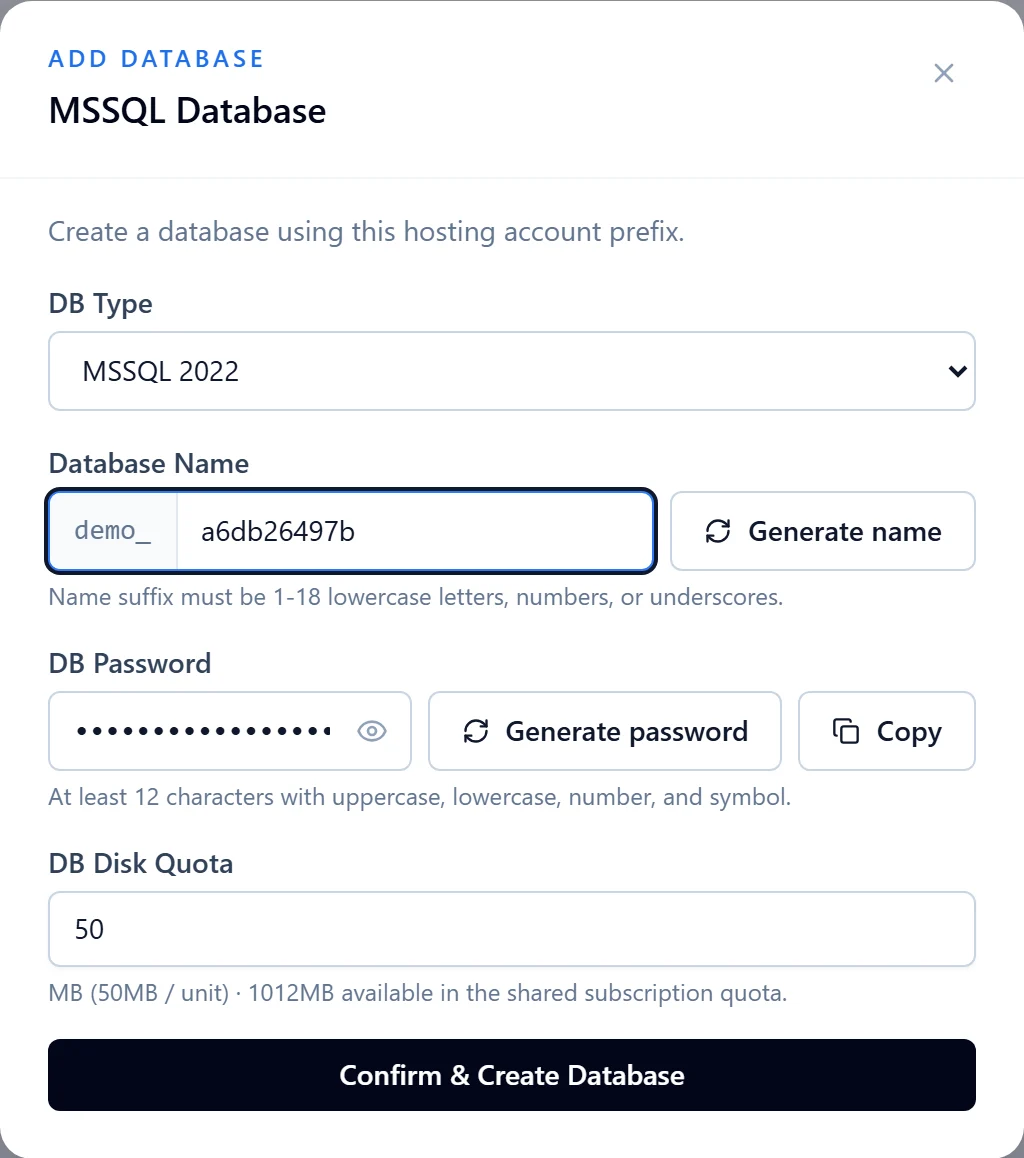
- Open Databases in the resource panel, choose Create database and select MSSQL, MySQL or PostgreSQL. Then enter the name, user credentials and storage size.
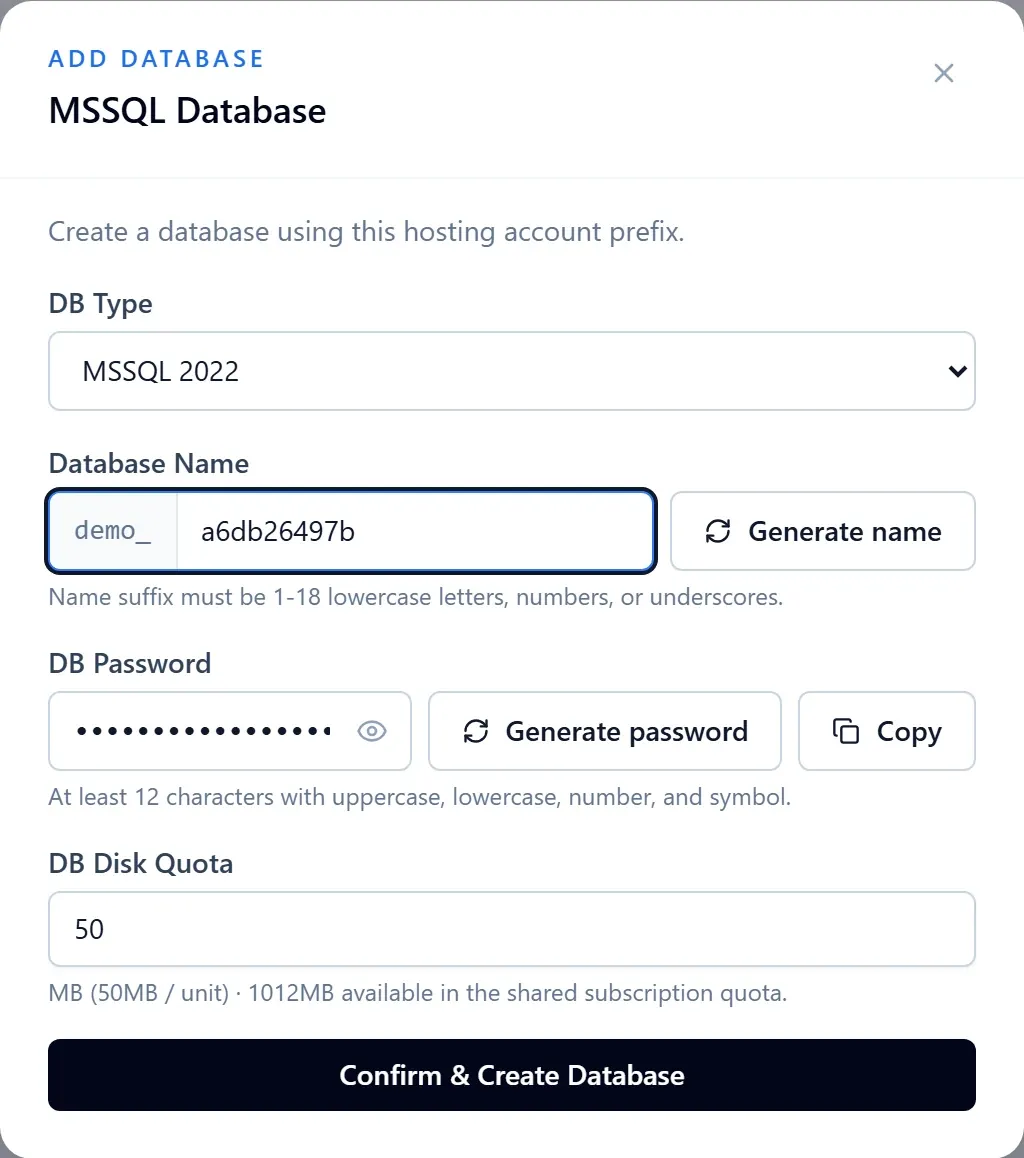
Figure 1: MSSQL example of the creation form: check the account prefix, database name, password and disk quota. Demo data; the form has not been submitted. View full-size image - Retain the returned host, port, database name and login details. Do not use example hosts or confuse a database name with a username.
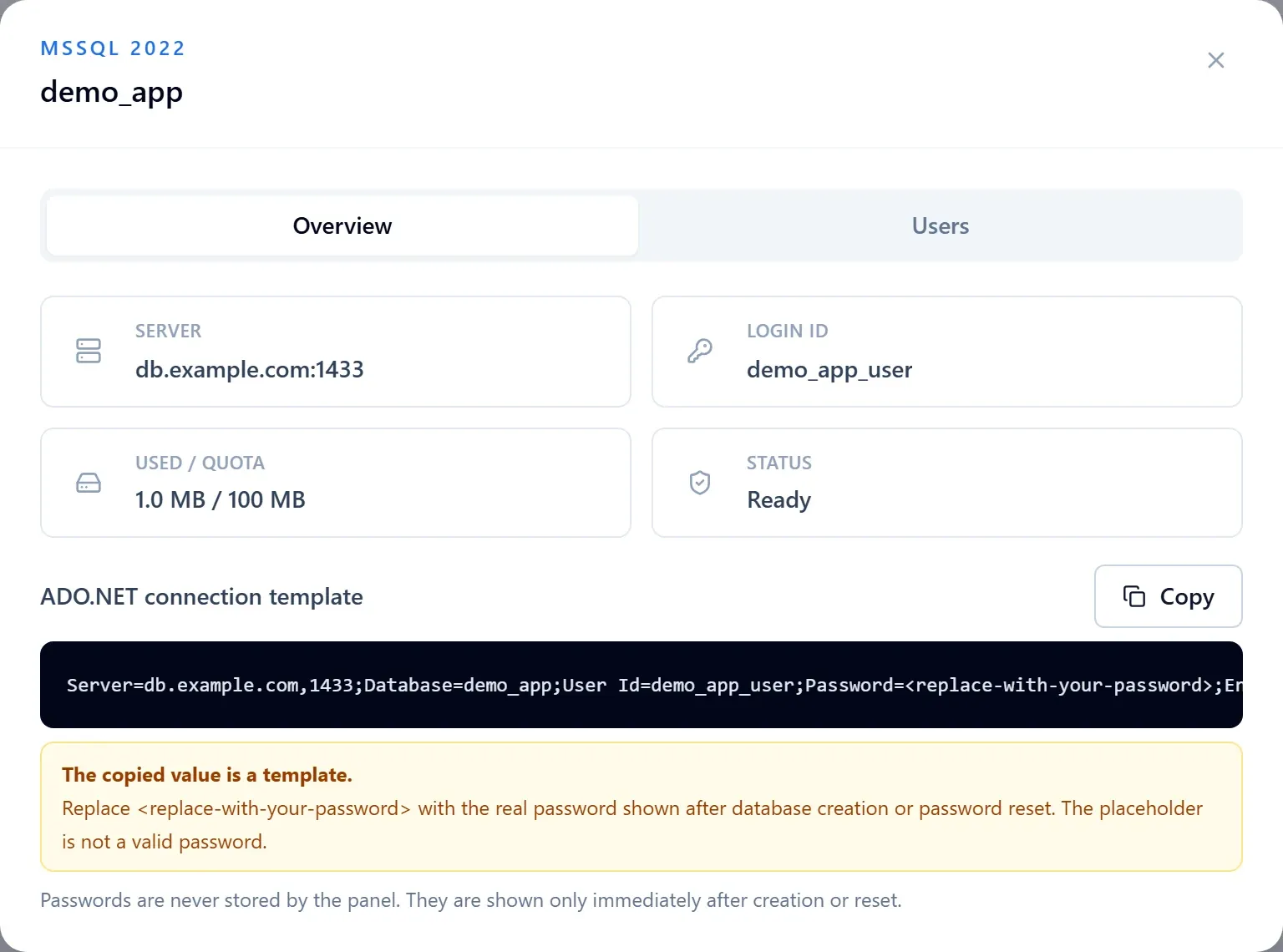
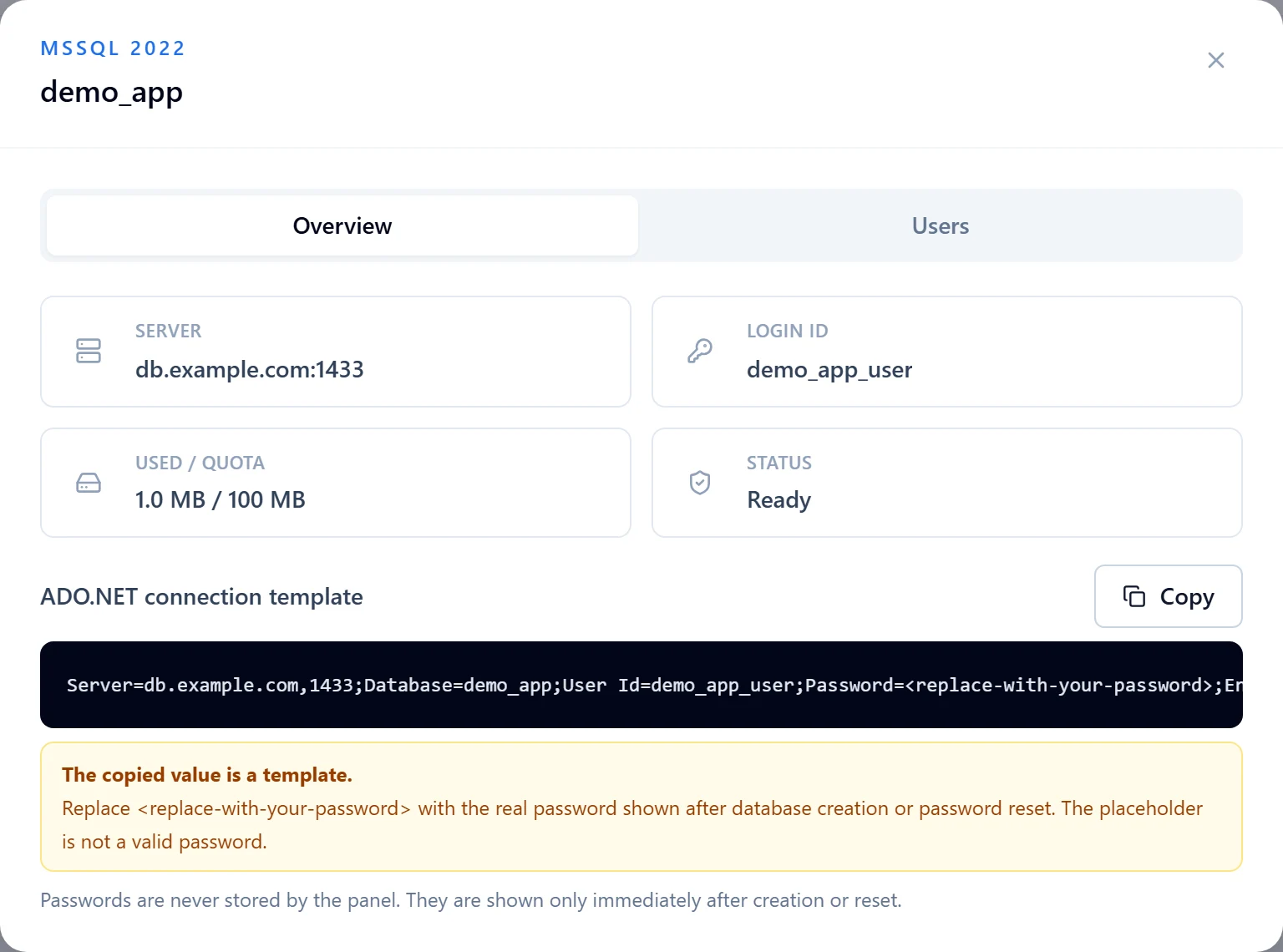
Figure 2: In database management, identify the server, port and login ID. The copied connection value is a template and needs your real credentials. Demo host and database shown. View full-size image - Configure the application on the server, then apply its schema migration or import process. Never put credentials in browser-delivered code.
- Use the driver and connection format for the selected engine. Connection strings and backup files are not interchangeable across all three engines.
Check the result
- Perform a necessary read and write from the deployed application and confirm the correct identity and database. Provisioning success alone does not prove application connectivity.
If something goes wrong
- Separate network, authentication, database-selection and schema errors using the actual log.
- After password rotation, update every application using that database user. For quota issues, review combined file and database usage before removing data.