部署 ASP.NET Core 应用
确认目标运行环境、项目文件和生产配置,再选择构建部署或上传发布产物。
适用范围适用于支持 .NET 的托管节点。操作系统、运行时与应用依赖必须兼容。
本页目录
开始前准备
- 确认项目的目标框架、.csproj 路径和启动方式;Windows 专用组件不能默认在 Linux 上运行。
- 准备数据库配置与环境变量;不要将开发数据库密码或真实生产密钥提交到公开仓库。
操作步骤
- 使用 GitHub 部署时选择 .NET 模板并审核项目文件和发布设置;若界面未提供可用构建器,先联系支持确认。
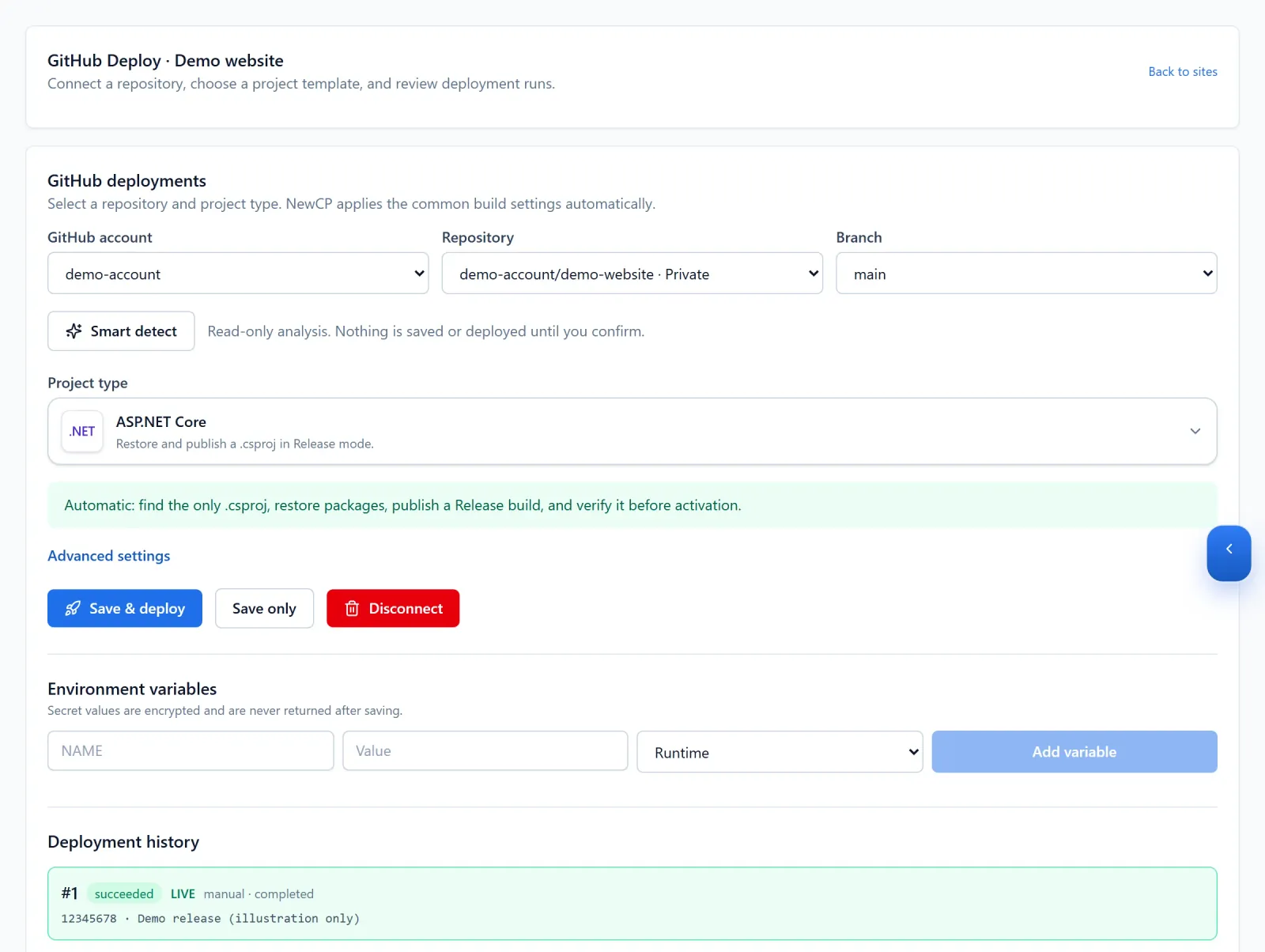
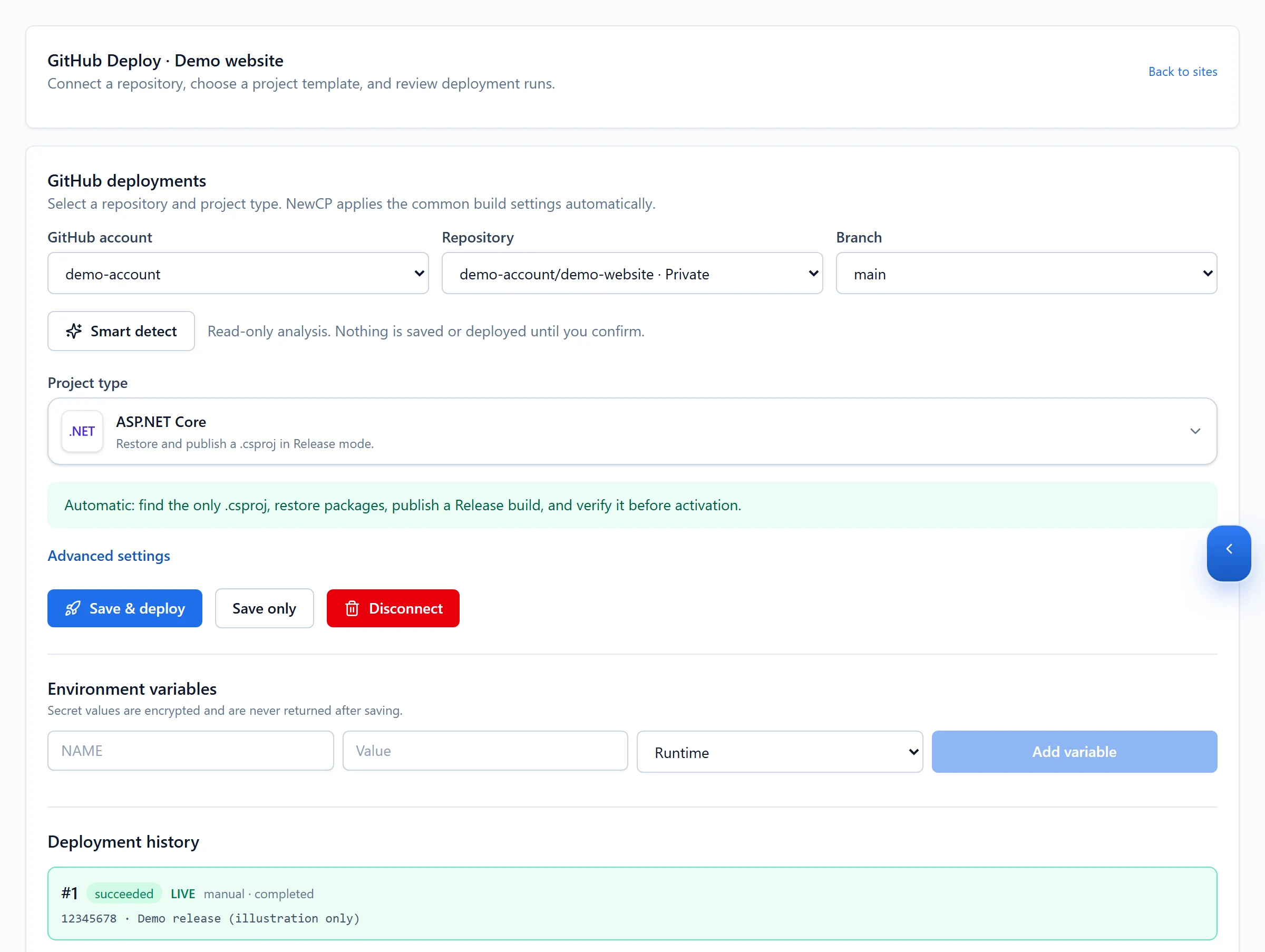
Figure 1: Select the ASP.NET Core project type and review the repository and branch. Availability and run history shown here are demo data. 查看原图 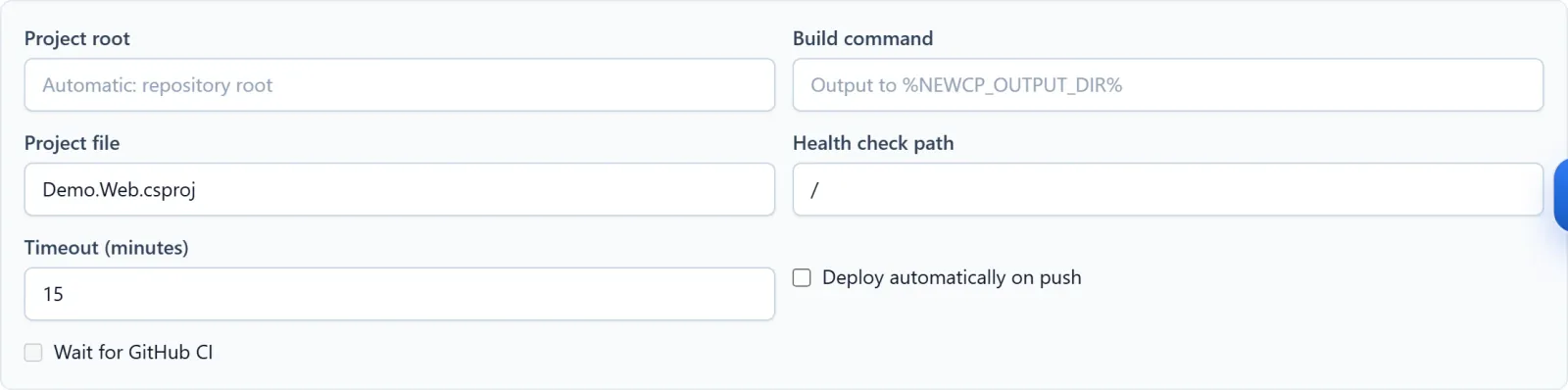
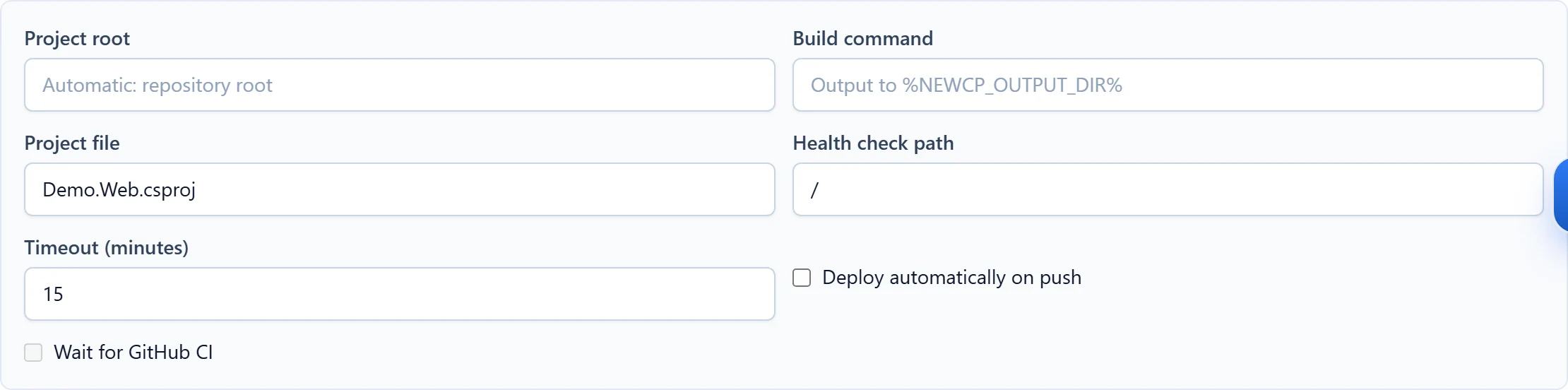
Figure 2: Advanced settings expose the project root, project file and health check. Match these to your own project and target environment. Demo configuration; no build or deployment performed. 查看原图 - 手动发布时用匹配目标环境的 dotnet publish 产物,上传到正确网站;IIS 发布文件与 Linux 启动配置按各自环境处理。
- 按应用要求准备数据库迁移、生产环境变量和持久化文件位置,再执行发布。
确认完成
- 测试首页、一个数据库请求以及需要保留的上传文件;检查日志无启动异常。
遇到问题时
- 启动失败先看目标运行时、依赖、权限和生产配置;连接失败再单独排查数据库。
- 代码回退前检查数据结构兼容性。需要帮助时提供目标框架、系统、发布方式和脱敏日志。