独立服务器购买后的交付流程
核对订单与系统要求,通过交付工单获取服务器信息并完成验收。
适用范围适用于独立服务器。当前客户页面说明服务器付款后人工准备,连接信息通过支持工单交付。
本页目录
开始前准备
- 购买前确认硬件、操作系统、用途和需要的网络条件;库存与配置以当次方案和确认为准。
- 不要假定付款后立即自动可用;需要上线时间时先与支持确认交付安排。

Figure 1: The Dedicated Server page explains manual preparation after payment. Confirm delivery timing with support before relying on a launch date. 查看原图

操作步骤
- 完成购买后,在客户中心查看独立服务器订单与关联支持消息。
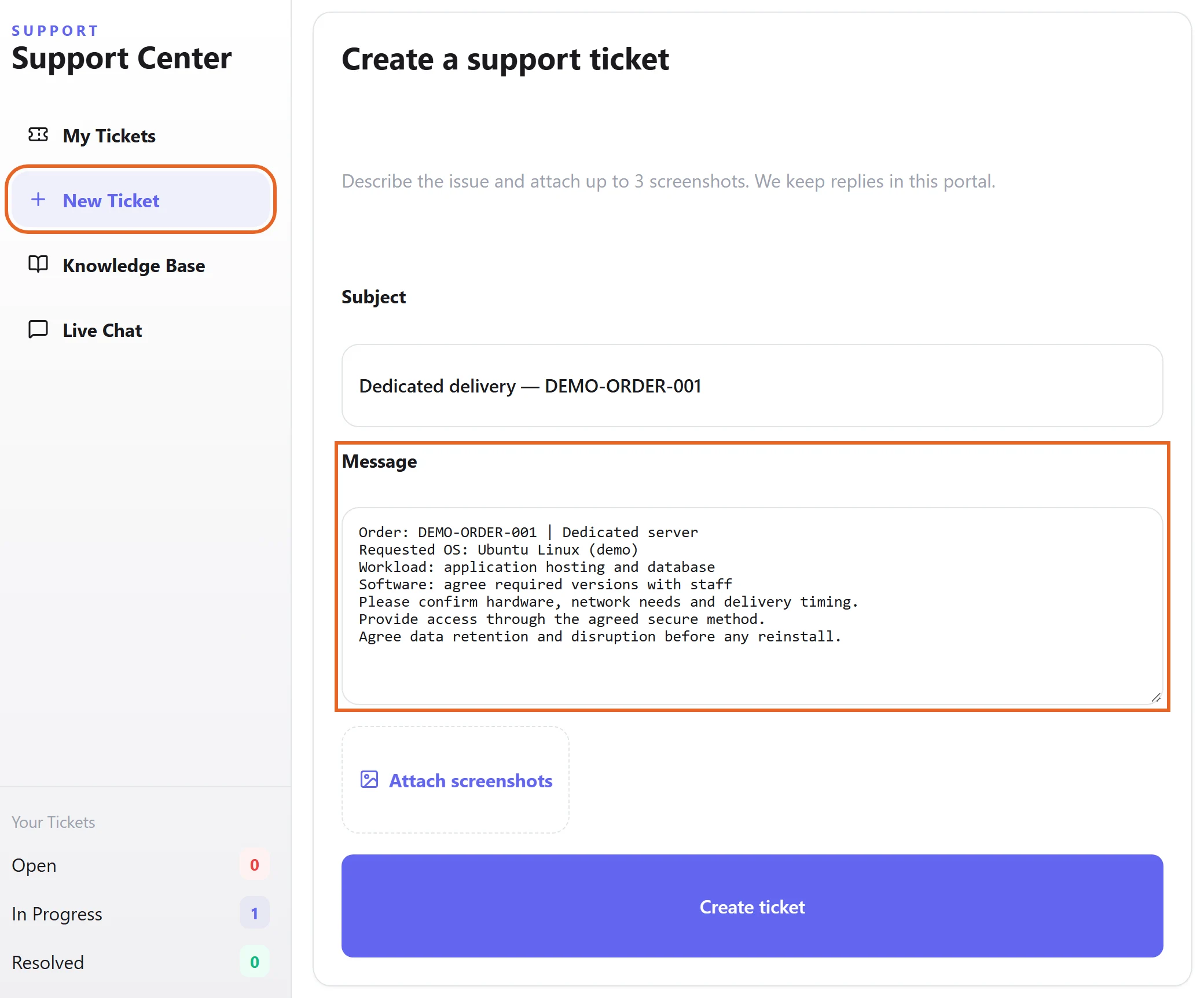
- 按交付沟通提供所需系统和必要配置需求,避免遗漏影响上线的第三方软件要求。
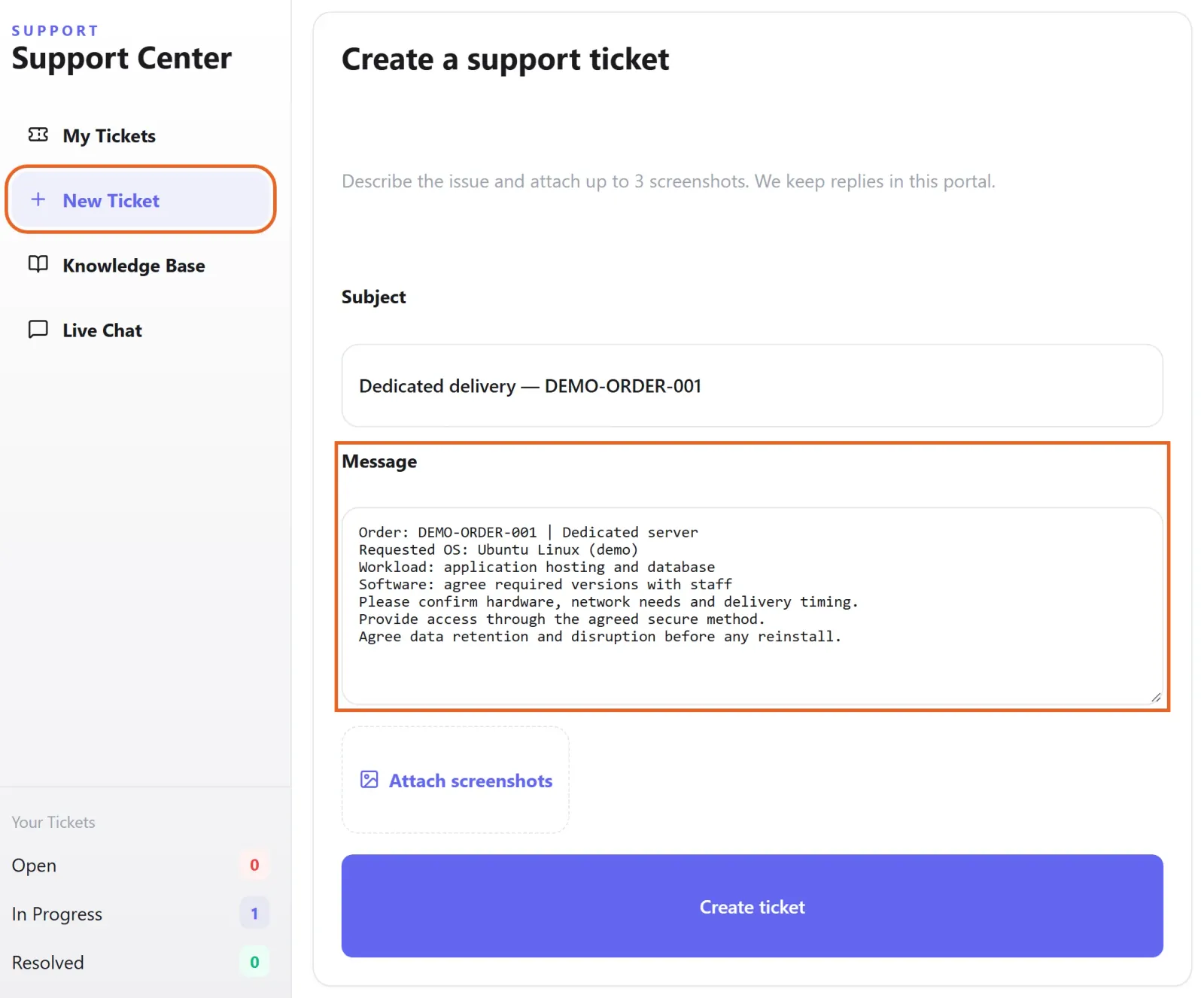
Figure 2: Include the order reference, requested OS, workload and required software in the delivery discussion. Example unsent draft with fictional demo data. 查看原图 - 收到交付信息后核对服务器、连接地址、登录方式和后续支持渠道。Windows 与 Linux 使用不同连接方法。
确认完成
- 登录服务器,检查所交付系统和约定资源,并测试你实际需要的访问方式;在交付工单中确认结果。
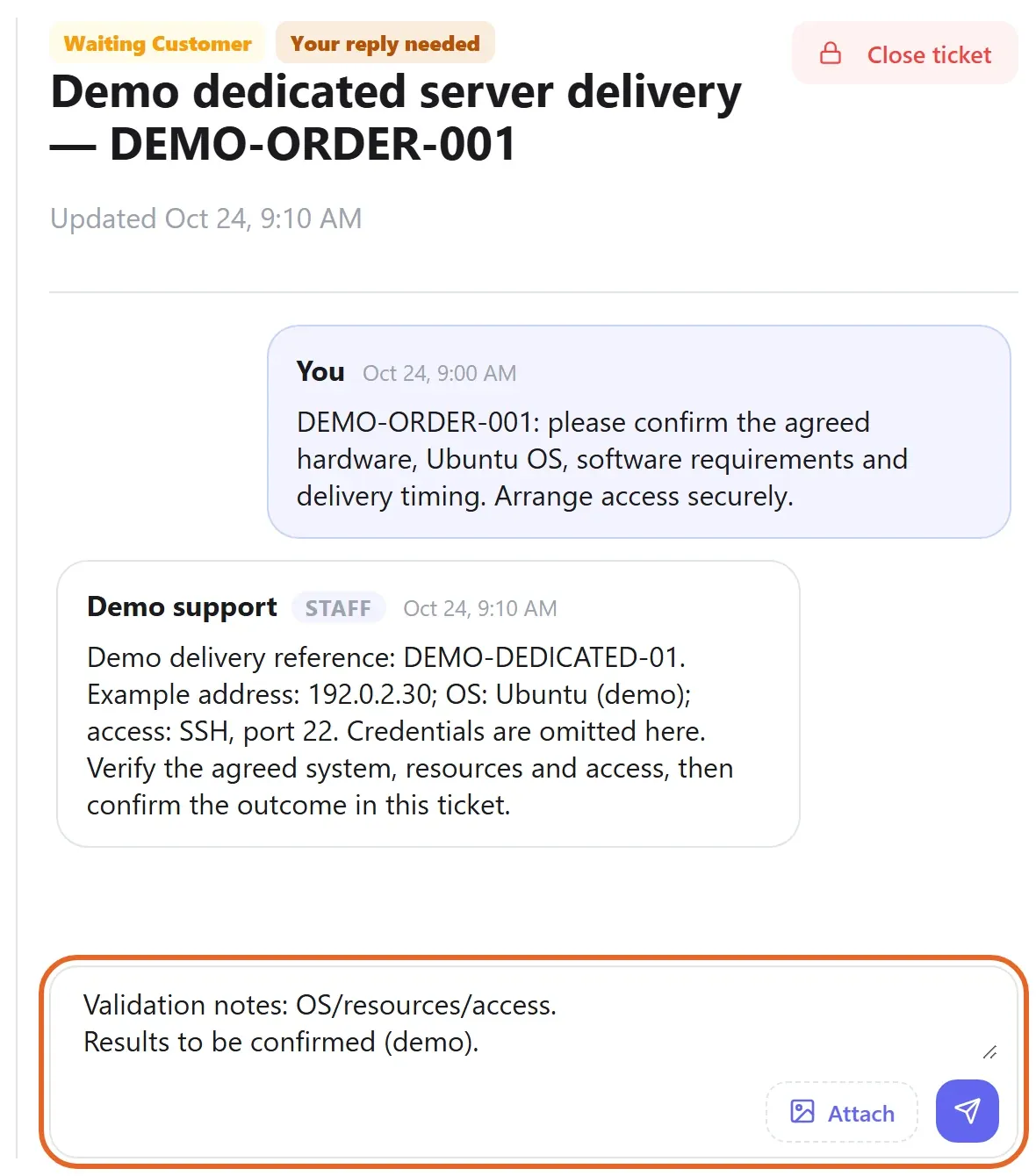
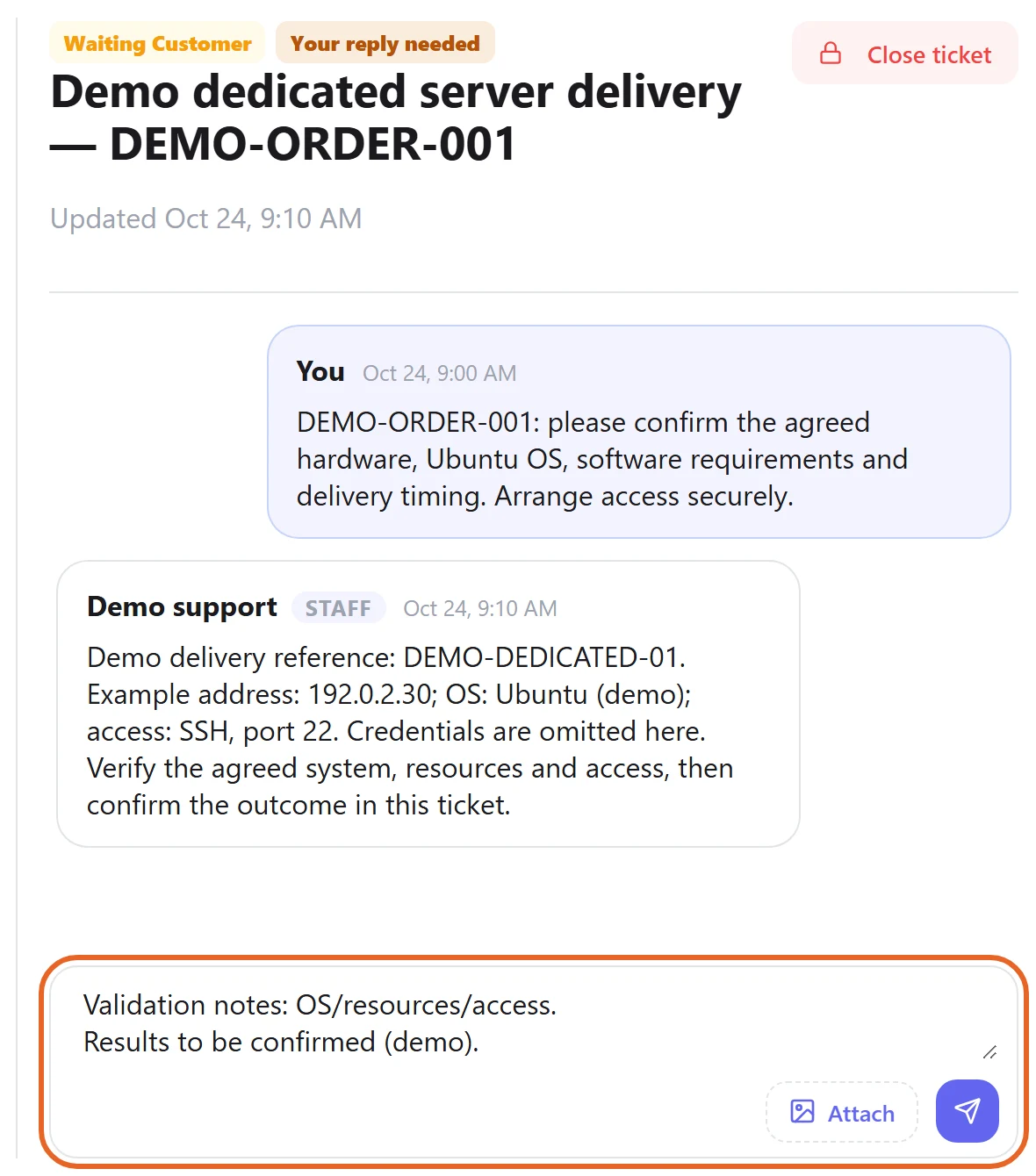
Figure 3: Check the delivered system, resources and access, then record the result in the original delivery ticket. Fictional example conversation and unsent reply; credentials are omitted. 查看原图
遇到问题时
- 未收到交付或规格不符时提供订单编号,在原工单跟进,不要重复购买。
- 申请重装或配置变更前说明数据保留要求,确认备份与影响范围后再执行。